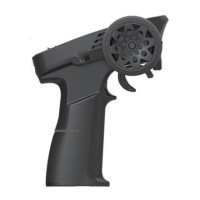
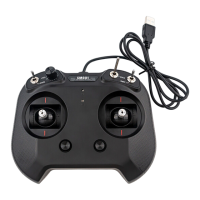
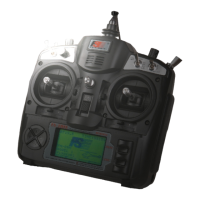
FS-TH9X
18
Und e r t h e state of t h e i n i tial
pic t u r e,pres s M E N U k ey forlo n g ,
acc e s s t he main me n u .
Und e r t h e state of t h e i n i tial
pic t u r e,pres s M E N U k ey forlo n g ,
acc e s s t he main me n u .
Pre s s U P /DOWN ke y c h o o se SUB TRI M m e n u,
pre s s M E NU key f o r s hort a n d e n ter t h e
pag e t o e s tablis h .
Pre s s U P /DOWN ke y c h o o se E.POI N T m e nu,
pre s s MENU k ey f o r shor t and e n ter t h e
pag e t o e s tablis h .
Pre s s U P /DOWN ke y t o c h o ose the S U B T R I M screen .
Pre s s U P /DOWN ke y t o c h o ose the E . P O I NT scree n .
Press "+"or"- " key to ad j u s t t h e s u b-trim posi-
tion for that selected c h a n n e l .
Pre s s " + "or"-" k e y t o a d just th e s u b - trim
pos i t i on for tha t s e l e cted ch a n n e l.
Press the UP o r DOWM key to sele c t t h e S U B T R IM
screen.
Press the MENU k e y t o save and return last me n u
Press the EXIT k e y to not keep and return las t
menu.
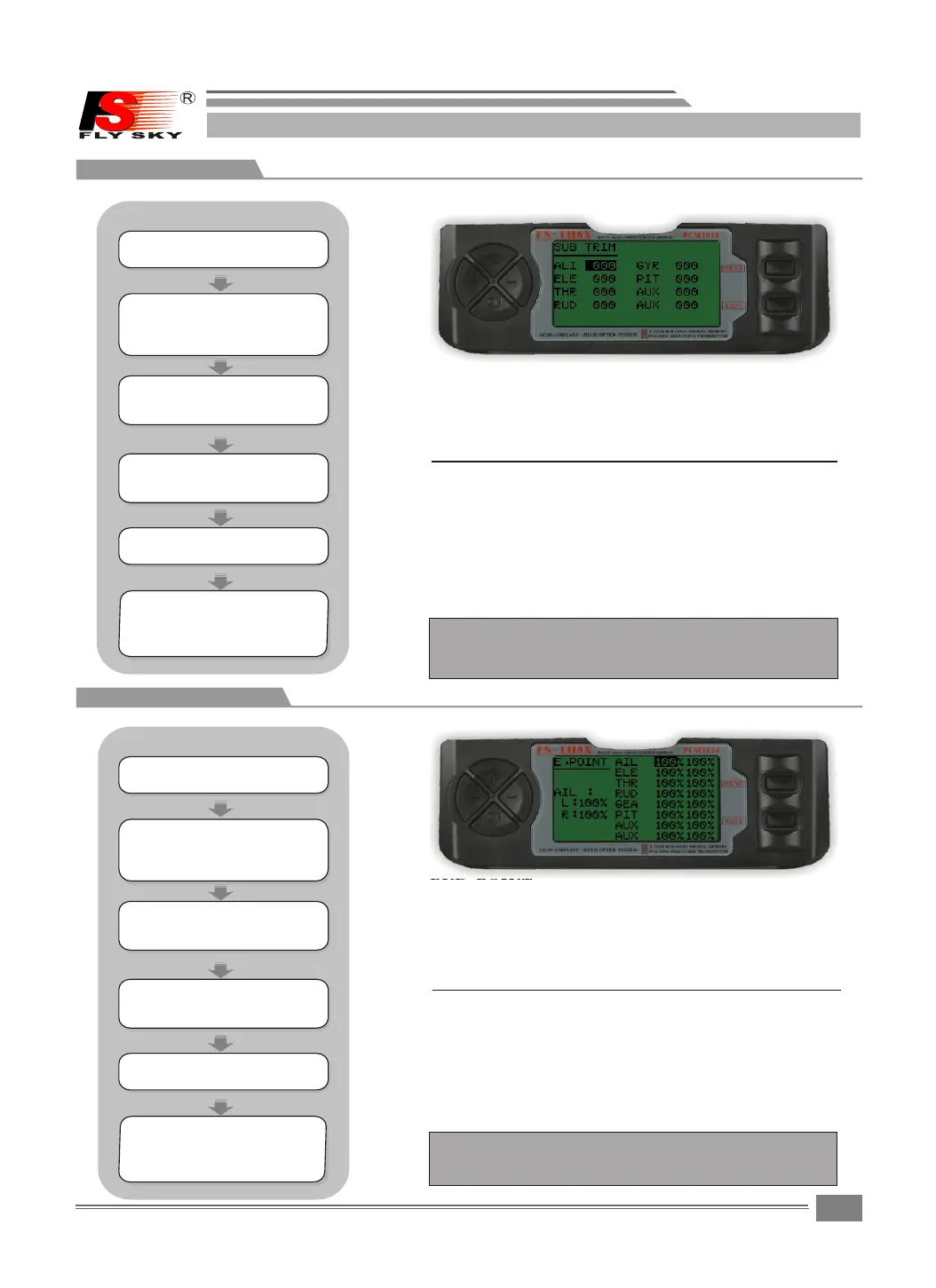
8.4SUB TRIM:
8.5END POINT
SUB TRIM:
The SUB-TRIM functio n a l l o w s y o u to electronically
adjust th e centerin g of ea c h servo . S u b trim is
individually adju s t a b l e f or all 8 channels, w i t h a
range of +or-120%.
NOT E:Do not us e excessive sub-trim v a l u es as
it is possible to overdr i v e t h e s e r vo's maximum
travel.
END POINT:
The most flexible vers i o n o f t r a v el adjustment
available. I t in d e pendently a d j usts e a c h en d
of each i n d ividual s e r v o ' s travel,rat h e r than
one s e t ting f or t h e se r v o t h a t af f ects b oth
directions.Range s f r o m 0 % t o 1 20%.
Press "+"or"- " key to ad j u s t t h e E N D POINT pos-
ition for that selecte d c h a n n e l .
Pre s s " + " or"-" key to adjus t t h e
E.P O I N T positi o n f o r t hat sele c t e d
cha n n e l.
Press the UP o r DO WM k e y t o select the E.POINT
screen.
Press the MENU k e y t o save and return last men u .
Press the EXIT k e y t o not keep and return las t
menu
NOTE:Do n o t use e x c essive E . P O I NT va l u e s as
it is possible to overdr i v e t h e s e r vo's maxim-
um travel.
HELICOPTER
HELICOPTER
STEPS:
STEPS:
Pre s s U P /DOWN ke y s e l e ct the FUN C
SET T I N G menus , a n d press M E N U key
for s h o r t into nex t s u b m enu.
Pre s s U P /DOWN ke y s e l e ct the FUN C
SET T I N G menus , a n d press M E N U key
for s h o r t into nex t s u b m enu.
Pre s s M E NU key for s h o r t t o keep
res u l t a nd retur n l a s t m enu.
pre s s E X IT key for s h o r t t o not
kee p a n d t reurn to l a s t m e nu.
Pre s s M E NU key for s h o r t t o keep
res u l t a nd retur n l a s t m enu.
pre s s E X IT key for s h o r t t o not
kee p a n d t reurn to l a s t m e nu.


 To Next Page