28
Cash Drawer Power Setting
Function JP6
ɺ9
9
2
13
4
2
13
4
COM1/COM2/COM3 Power Setting
COM1, COM2 and COM3 can be set to provide power to your serial device.
7KHYROWDJHFDQEHVHWWR9RU9LQWKH%,26
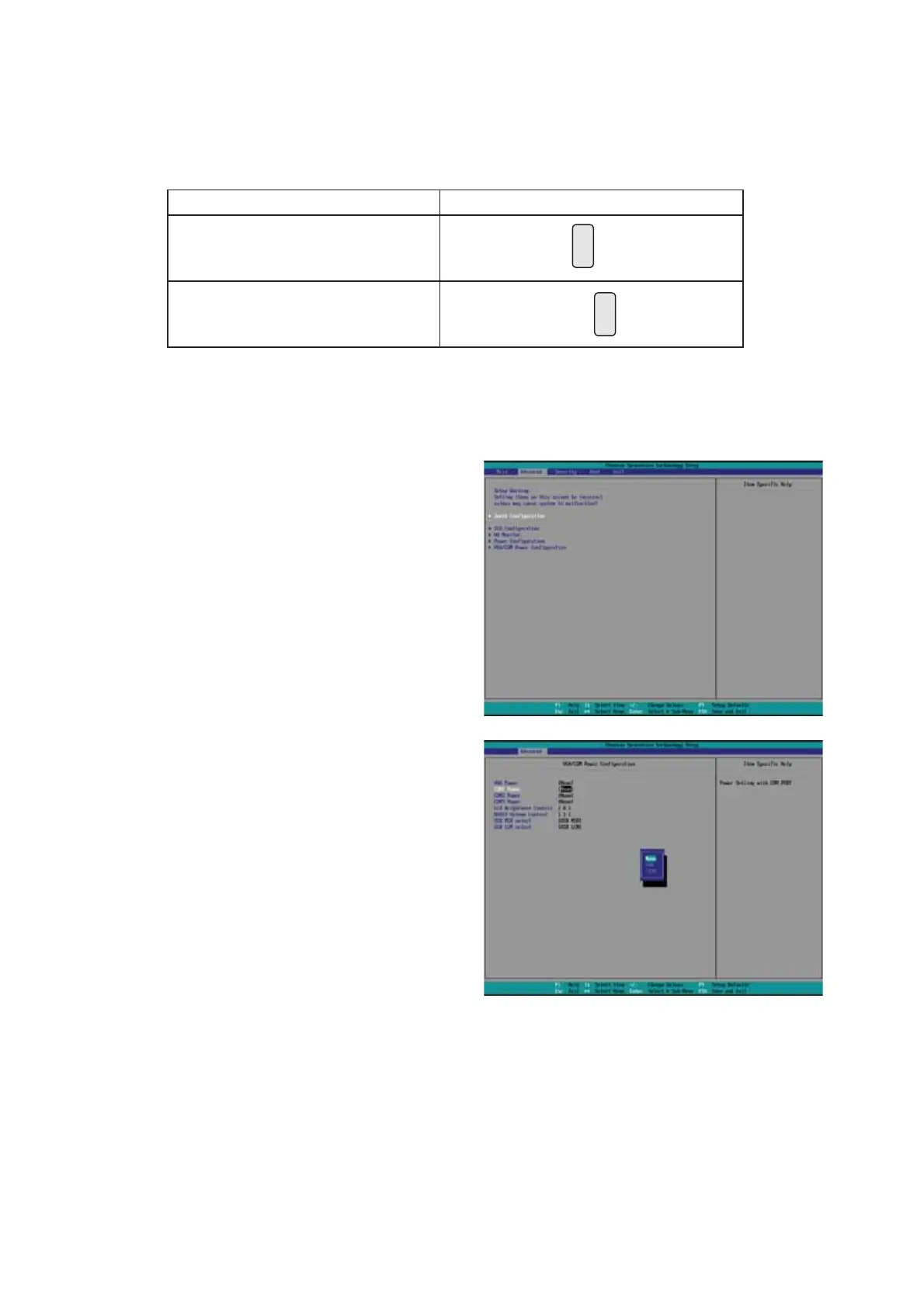
1. Power on the system, and press
the <DEL> key when the system is
booting up to enter the BIOS Setup
utility.
2. Select the Advanced tab.
3. Select VGA/COM Power
&RQÀJXUDWLRQ Ports and press
<Enter> to go to display the
available options.
4. To enable the power, select COM1
,COM2 or COM3 Power setting and
press <Enter>. Select Power and
press <Enter>. Save the change
by pressing F10.
ɺ 0DQXIDFWXUHU'HIDXOW6HWWLQJ
6-2-3.
Jumper Setting



 To Next Page