32
Installation and Operation Manual
SystemsSystems
2001 and 2002
Simulated Flow Operation Summary
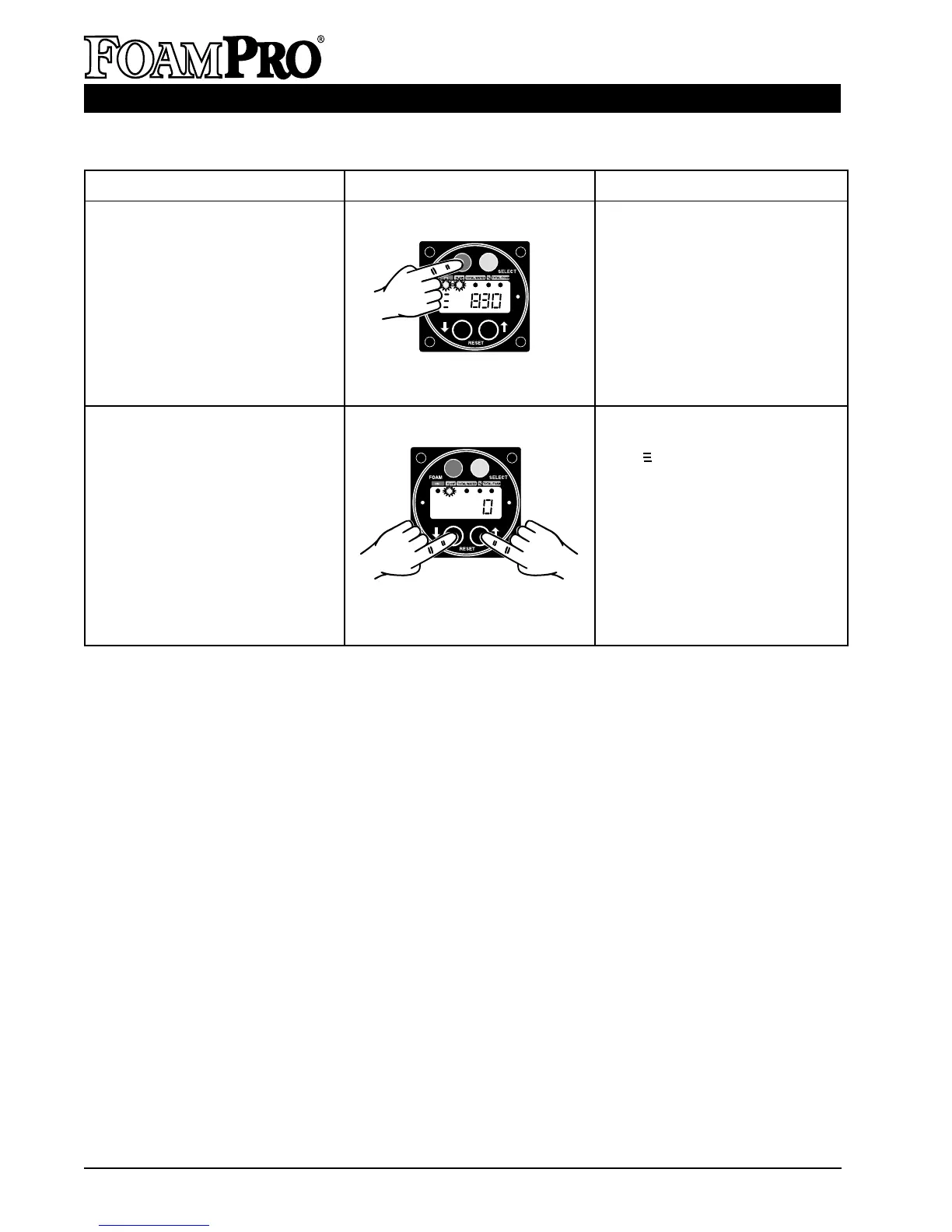
How to Display Action
4. Place a suitable container under
the CAL/FLUSH outlet tube.
Place the CAL/INJECT valve in
the CAL/FLUSH position. Press
the FOAM button. The foam
pump will operate and foam
concentrate will be discharged
from the outlet tube.
NOTE: FoamPro must be in
Simulated Flow Mode.
5. Press both rate adjustment
buttons at the same time. The
symbol will leave the display
and the FoamPro will operate
automatically from the flow
sensor signal. Turning the
apparatus Master or Battery
switch off will also turn off the
Simulated Flow Function. The
next time the power is turned
on, the FoamPro will return to
the original automatic default
settings.
4. Empty the Foam Tank.
5. Turn the Simulated Flow
Function off and return to
automatic operation.



 To Next Page