WEBVIEW
89
HTTP Auto-Update Settings
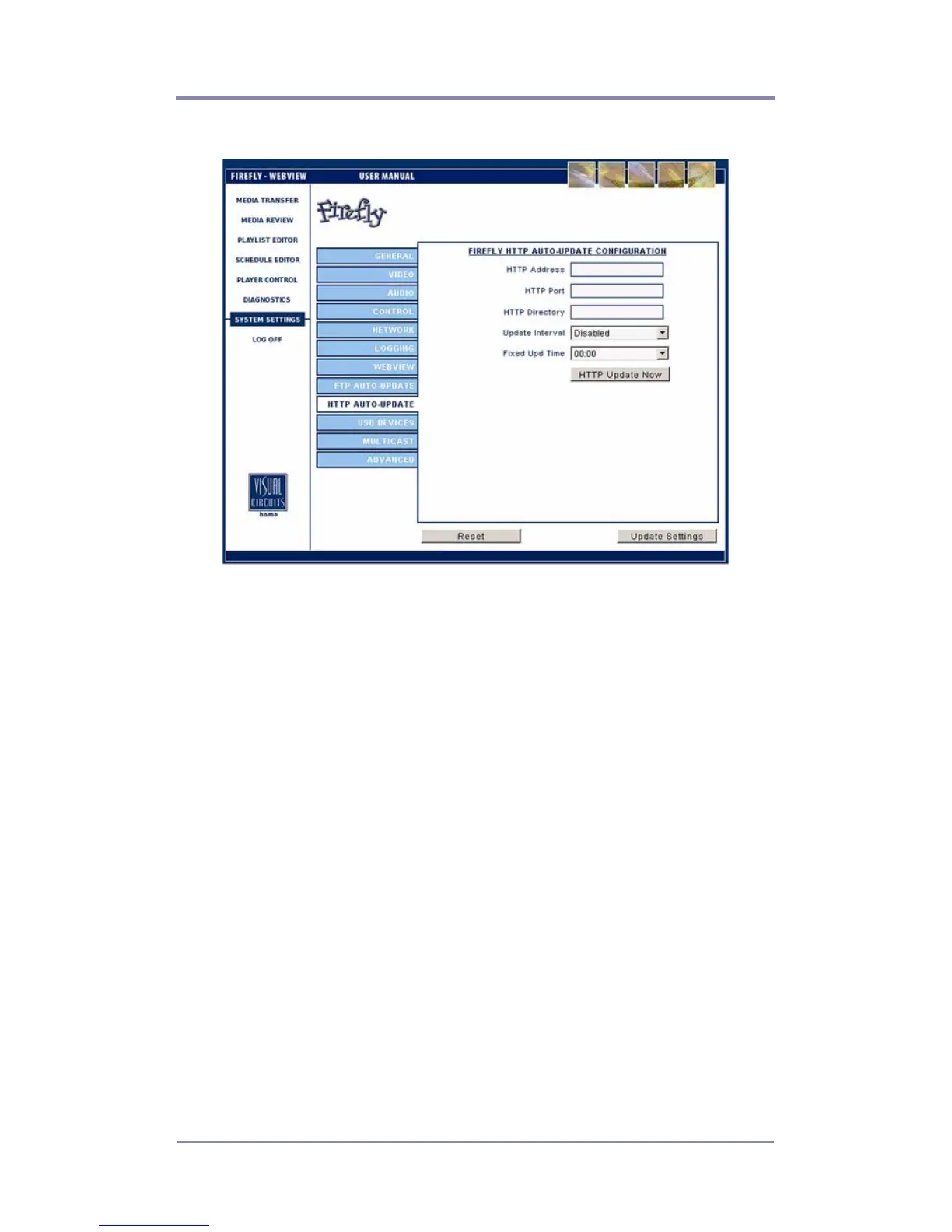
Figure 36. Settings-HTTP Auto Update
HTTP Address
Enter the HTTP server IP Address here.
HTTP Port
Allows you to enter the port for the HTTP server. If left blank
during an update, this field will continue to show a blank value,
and HTTP will use port 80. Once you enter a value for the port and
save, your new value will populate this field.
HTTP Directory
It is advised that you leave this blank and use the home directory of
your HTTP account to place your media, playlists, schedules and
or updates folders. In the case where you are using multiple
directories can come in handy.



 To Next Page