WEBVIEW
27
Transferring Media
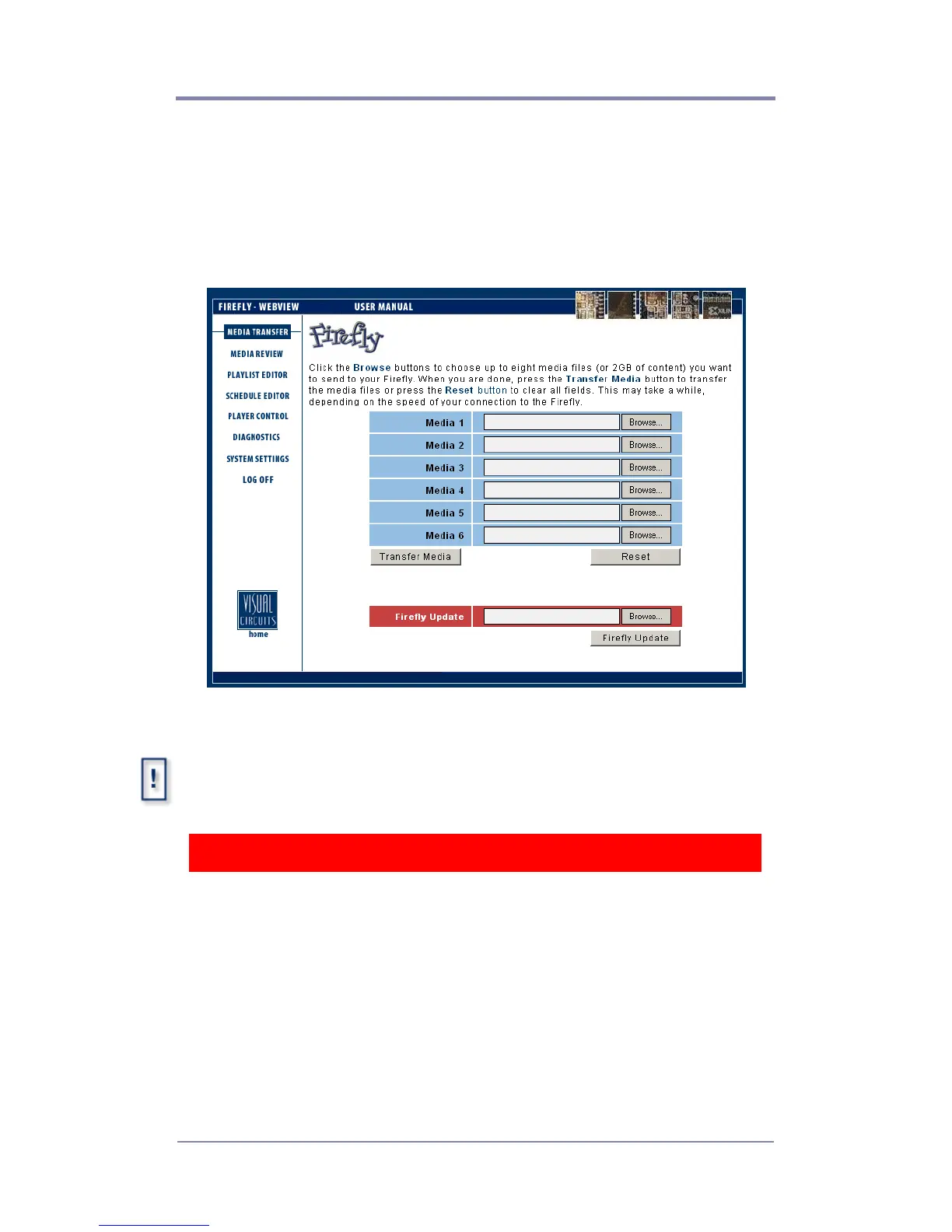
From this page you can transfer media from your computer or
network to the Firefly. Up to six media files can be transferred at
once by simply specifying the files to be transferred in each of the
Media 1 through Media 6 boxes.
Figure 2. Media Transfer Page
If you close or select another web page during a media transfer, the
transfer will terminate. If you would like to multi-task during a transfer, you
may open a new web browser and log in.
WARNING
Do not use the Internet Explorer “History” function within WebView.
Because the WebView interface needs to query the Firefly player to
refresh, pulling the history out of the Internet Explorer cache file will
cause inconsistent results. For the same reason, do not use the
Internet Explorer backward or forward navigation buttons. Use the
WebView navigation buttons instead.



 To Next Page