Quick Start Plug and Play
8
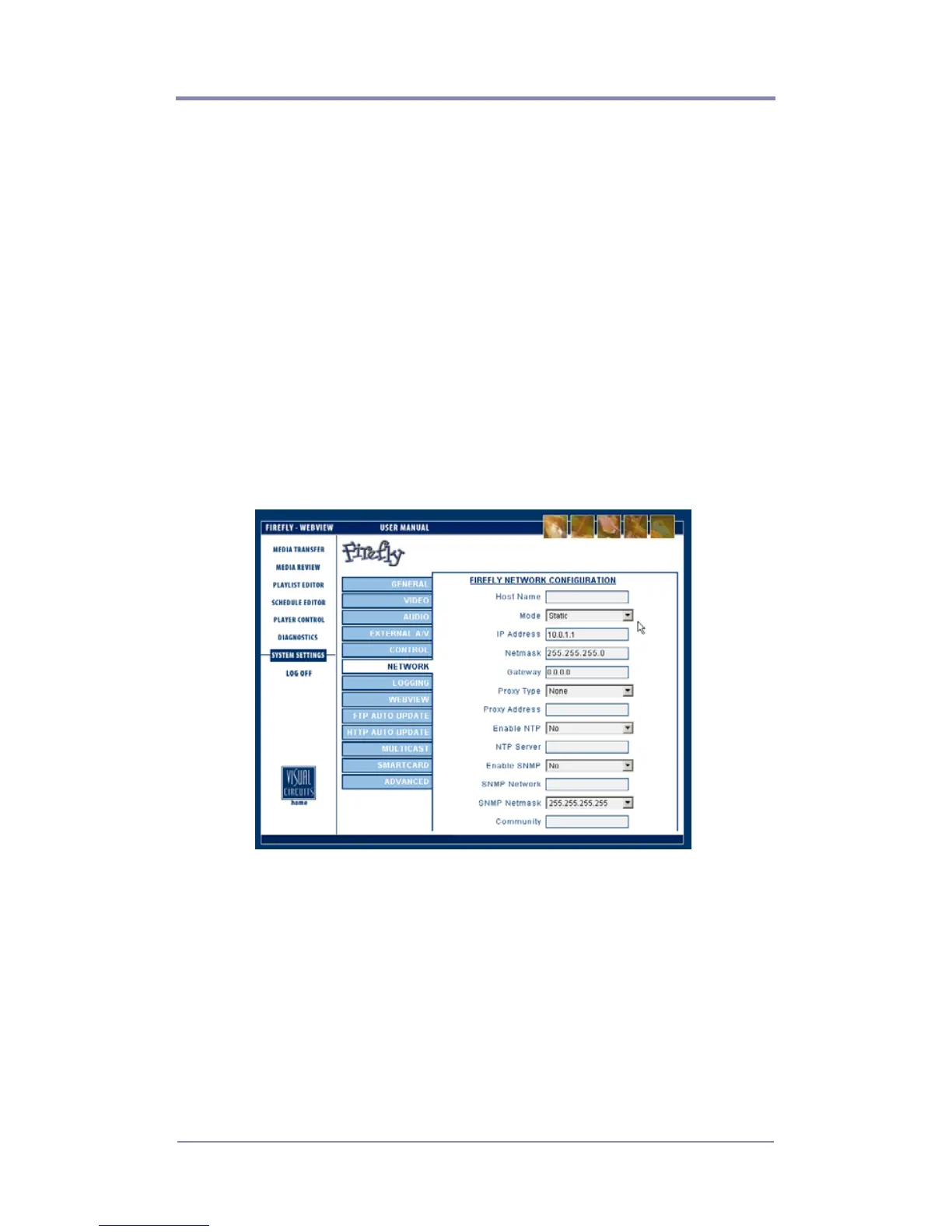
Changing TCP/IP Settings
Firefly default TCP/IP settings:
Static IP Address: 10.0.1.1
Login (case sensitive): firefly
Password: 123456
There are two methods for initially changing the Firefly TCP/IP
settings: WebView and serial commands.
WebView via Ethernet Port
WebView is a browser-based, administration tool-kit that resides
on the Firefly.
1. Set your PC’s IP address to a number in the same range as the
Firefly, such as 10.0.1.2.
2. Open a browser and enter the default IP address 10.0.1.1 in the
address field.
3. Access WebView using the default Firefly login and password,
shown above.
4. Set the IP address and other TCP/IP parameters as required.
5. Click on Update Settings to save.
6. Click on Player Control.
7. Click on Restart Player.
This initializes the new settings.



 To Next Page