WEBVIEW
59
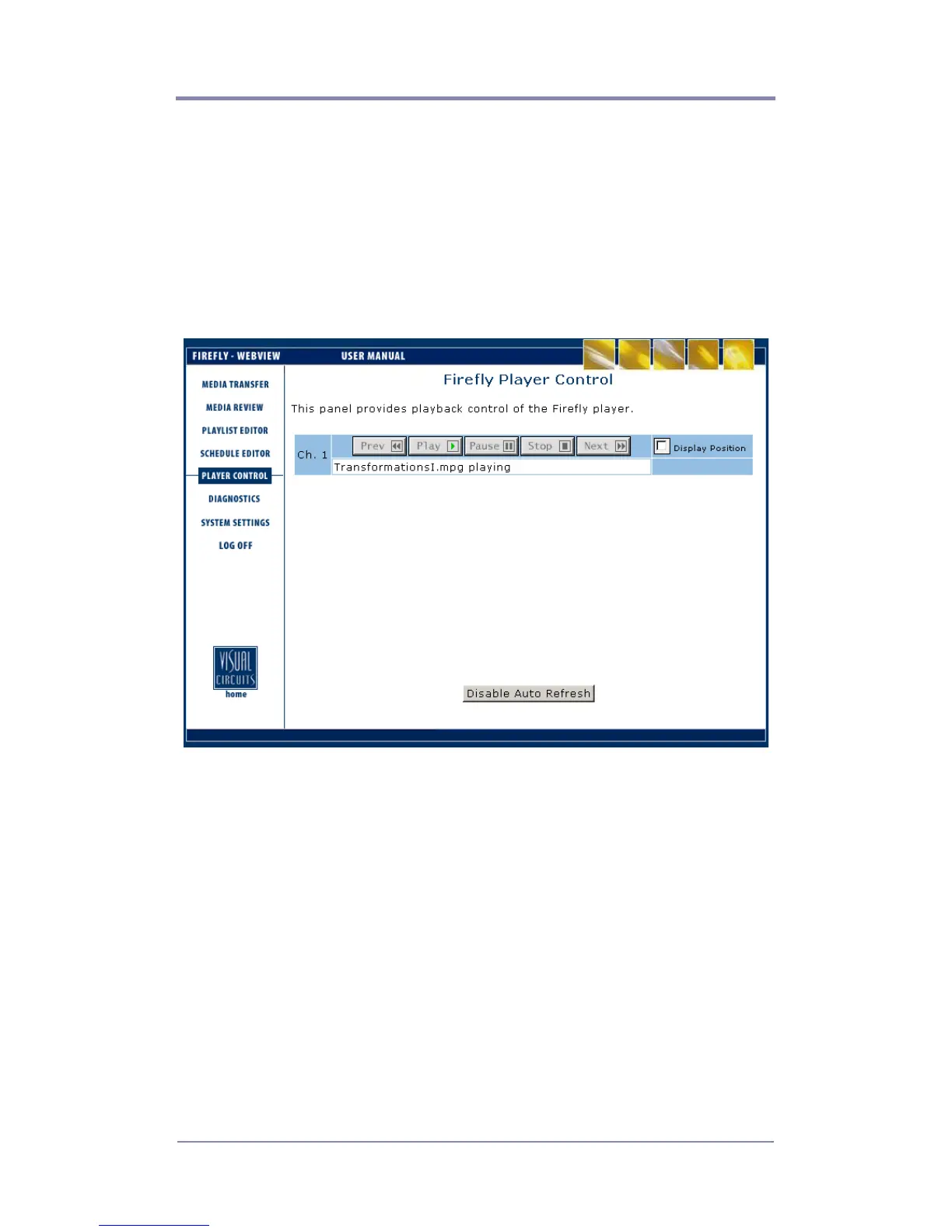
Using the Player Control Panel
The Player Control panel mirrors the basic functionality of the
Firefly remote control. You will be able to Play, Pause and Stop
the currently playing file (displayed on the output window). In
addition, you will be able to skip to the Previous and Next video in
a playlist using the respective Previous and Next buttons.
Figure 22. Player Control Panel
In addition to using the standard player controls, the Display
Position checkboxes allow you to display the position bar. The
Display Position indicator shows the current playback position
within the file.



 To Next Page