WEBVIEW
24
Step 2: Determine the Address of the Firefly
Once proper network connections are confirmed on both the
Firefly and the web browser computer, you will need to know the
IP address or DNS name (if your network has a DNS server) of the
Firefly.
Using DHCP, you should also be able to use the address “http://
hostname” or “http://hostname.yourdomain” to access the Firefly without
knowing the exact IP address.
Step 3: Establishing Communication with the Firefly
To begin working with the Firefly you should launch your Internet
browser program and enter the IP address (or DNS name if
appropriate) in the address field. If you have successfully
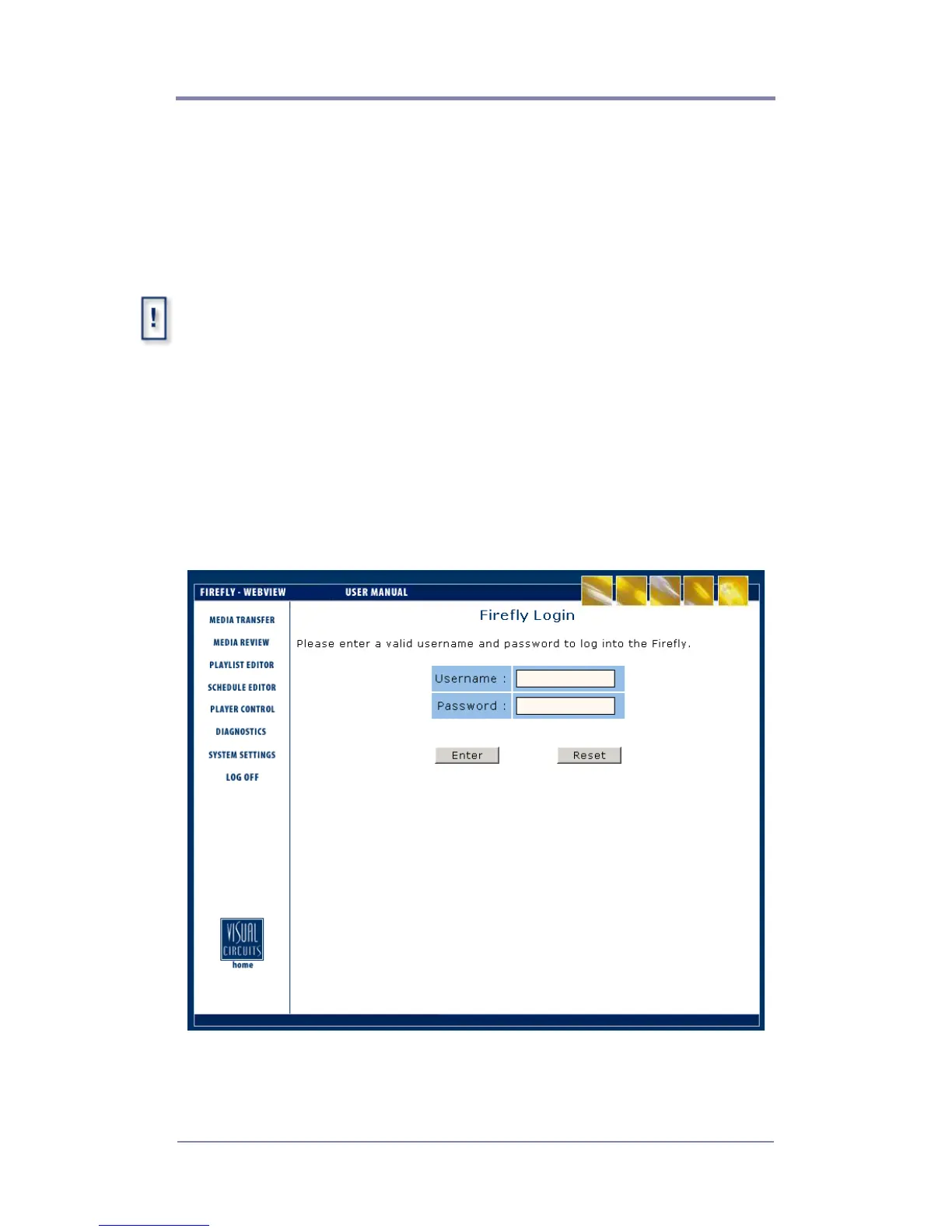
established communication with the Firefly, you will see a screen
like the one displayed here.
Figure 1. Login Page



 To Next Page