Quick Start Plug and Play
11
Configure FTP
Setup on-board Firefly FTP Server
• Configure Firefly properties.
• Configure Firefly FTP server.
Configure Firefly Properties
1. Open the Main window of Media Messenger.
2. Right-click in the Firefly object in the Network Pane and
display Player drop down menu.
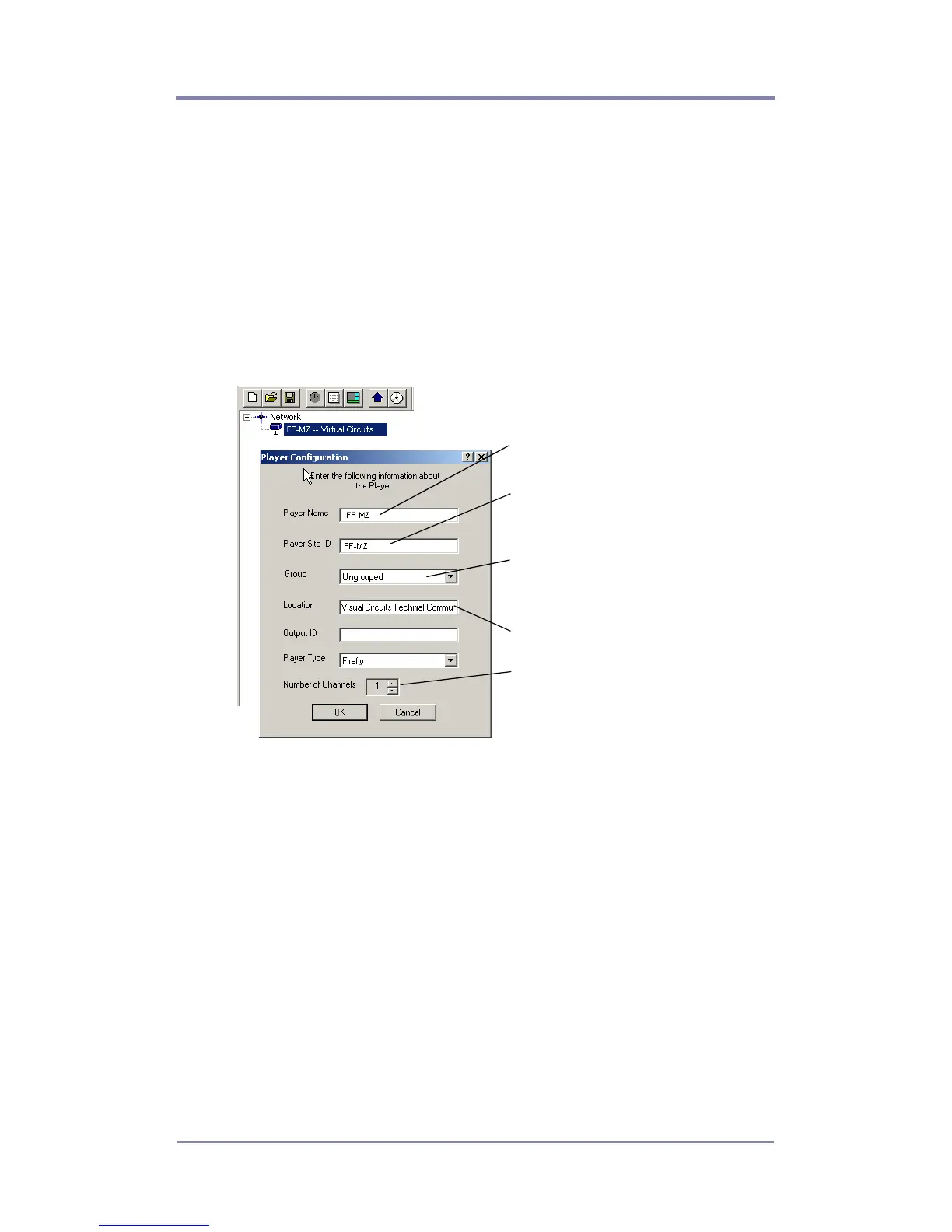
3. Click on Properties to display Player Configuration.
4. Fill in the Player Configuration fields.
Set to one for Firefly.
Unique ID set in player before
installation, Media Messenger
uses it to identify the player.
If player belongs to a group,
select the group name from-
list.
Unique name to identify player
(Host Name)
Physical location of the player.



 To Next Page