WEBVIEW
92
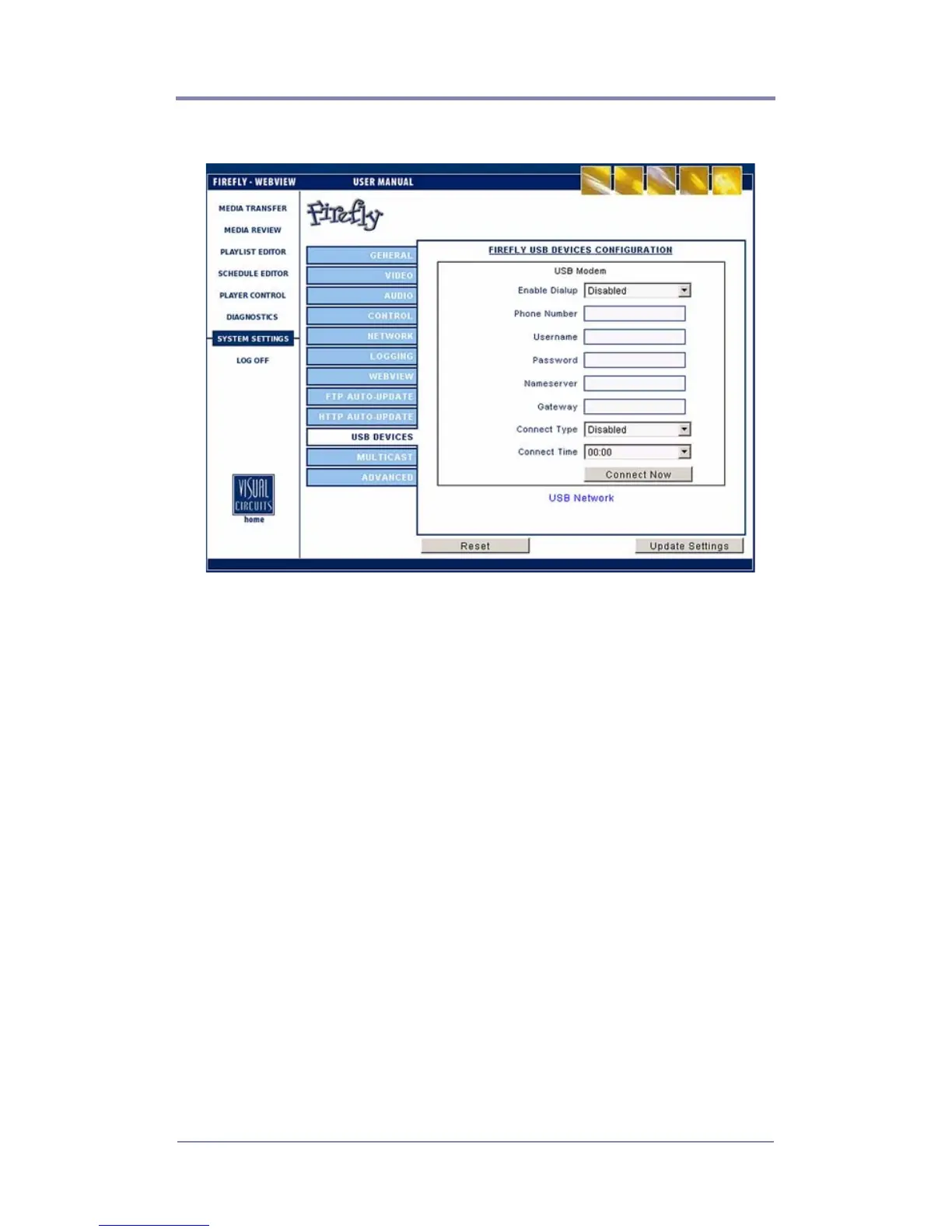
USB Devices Settings
Figure 38. Settings-USB Modem
Enable Dialup
If dialup is required.
Phone Number
Username
Enter the USB server username here. Leave this blank if no
username is present.
Password
Enter the password required for access to the USB server.
Nameserver
The IP address for the server, local or ISP, that handles URL name
resolution for the network. Contact you system administrator for
this information.



 To Next Page