Quick Start Plug and Play
7
Configure for Network
Often, the Firefly TCP/IP defaults must change to accommodate
the network where it will reside. The best method is to attach a
computer to the media player.
Contact the Network Administrator for the correct network configuration
information,
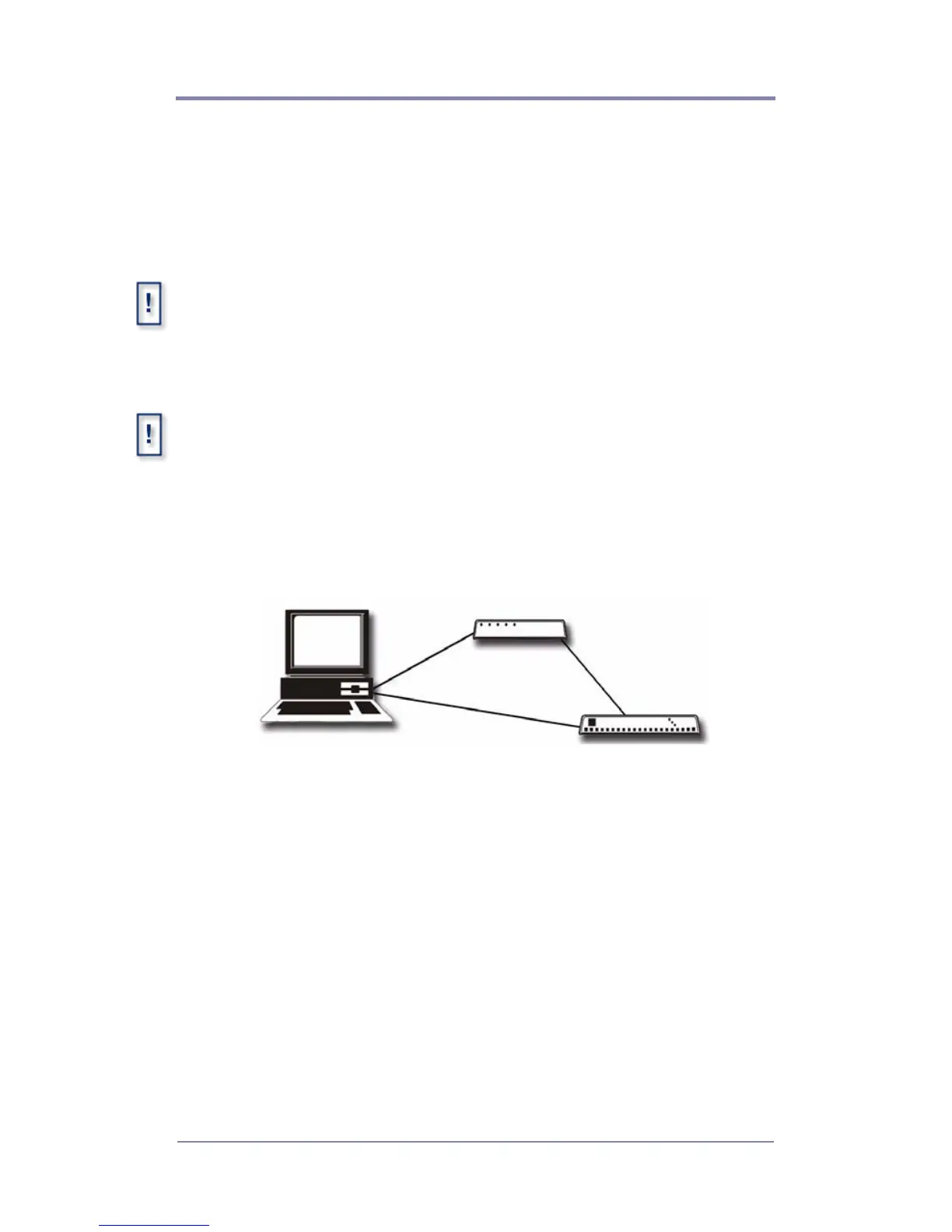
Attaching a Laptop or PC
Before beginning, verify that the computer and/or the Firefly are powered
off. When connections are completed, power on the devices.
Ethernet
❏ Connect the computer directly to the Firefly using an
Ethernet crossover cable.
or
❏ Connect using standard Ethernet cables and a hub or switch.
Serial
Use a null modem cable, female DB-9 to female DB-9, RS232
cable, when connecting to the Firefly via the serial port.
Ethernet via Hub or Switch.
Ethernet via Cross-over Cable.



 To Next Page