WEBVIEW
82
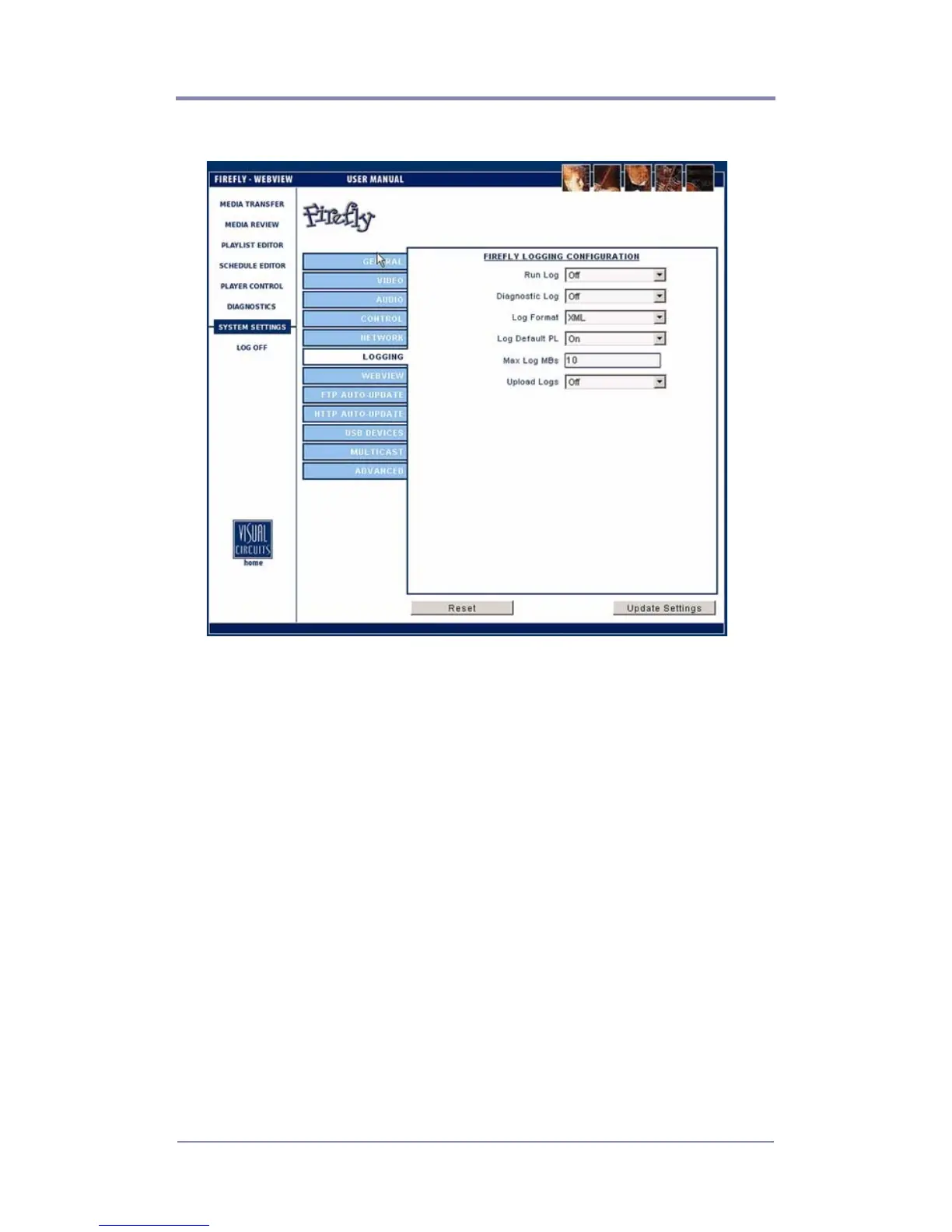
Logging Settings
Figure 33. Settings-Logging
Run Log
Allows you turn to “On” or “Off” the run log. The run log provides
a record of which videos played (with which graphic overlays, if
applicable), starting at what dates/times, playing back what
percentage of the video and for how long.
Diagnostic Log
Allows you to turn “On” or “Off” the diagnostic log. The
diagnostic log can be used to view a record of all media update
transactions and any system errors on a Firefly.
Information contained in the diagnostic log include:
❏ FTP/DVD Updating data: Tracks date, time of connection/
disconnection, errors- yes/no, files, sizes, percent
transferred and FTP permission errors.



 To Next Page