WEBVIEW
85
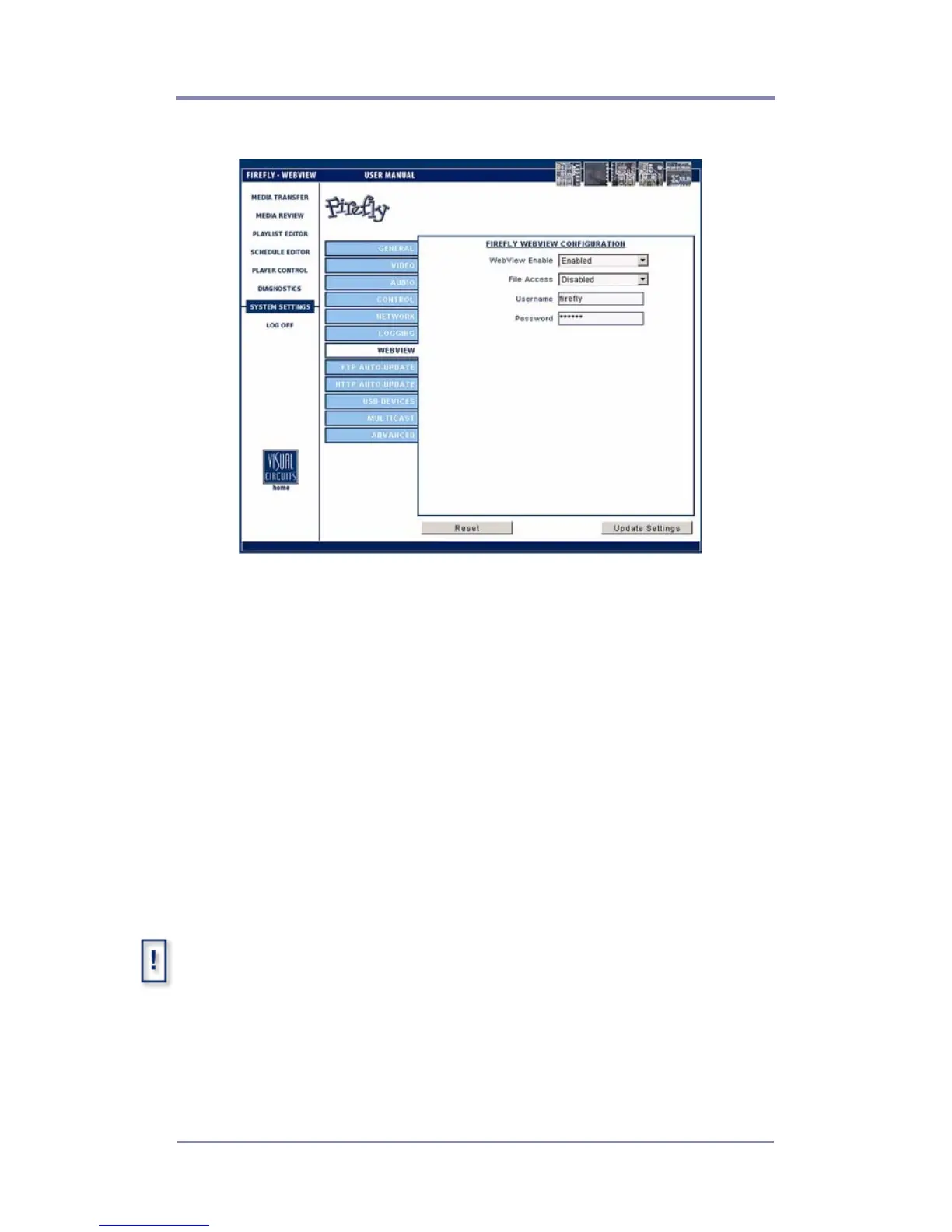
WebView Settings
Figure 34. Settings-Logging
WebView Enable
This feature gives the user access to Firefly over a network using a
conventional web browser (see
WebView on page 23).
File Access
Enable/Disable - Accesses the Firefly directly with an FTP client.
Username
Enter at least 6 (but no more than 15) alphanumeric characters
here. This field is case sensitive.
The user name and password are used for both WebView and the FTP
server.



 To Next Page