115
LOG FILE REPORTING
Overview
The logging of playback verification data, as well as diagnostic
data, provides for easier and more powerful management of a
Firefly Media Player network.
There are two types of data logs available on the Firefly: run logs
and diagnostic logs. You can enable or disable these capturing of
these logs in any combination.
Each of the settings related to log file reporting are found in the
System Settings menu, accessible via WebView.
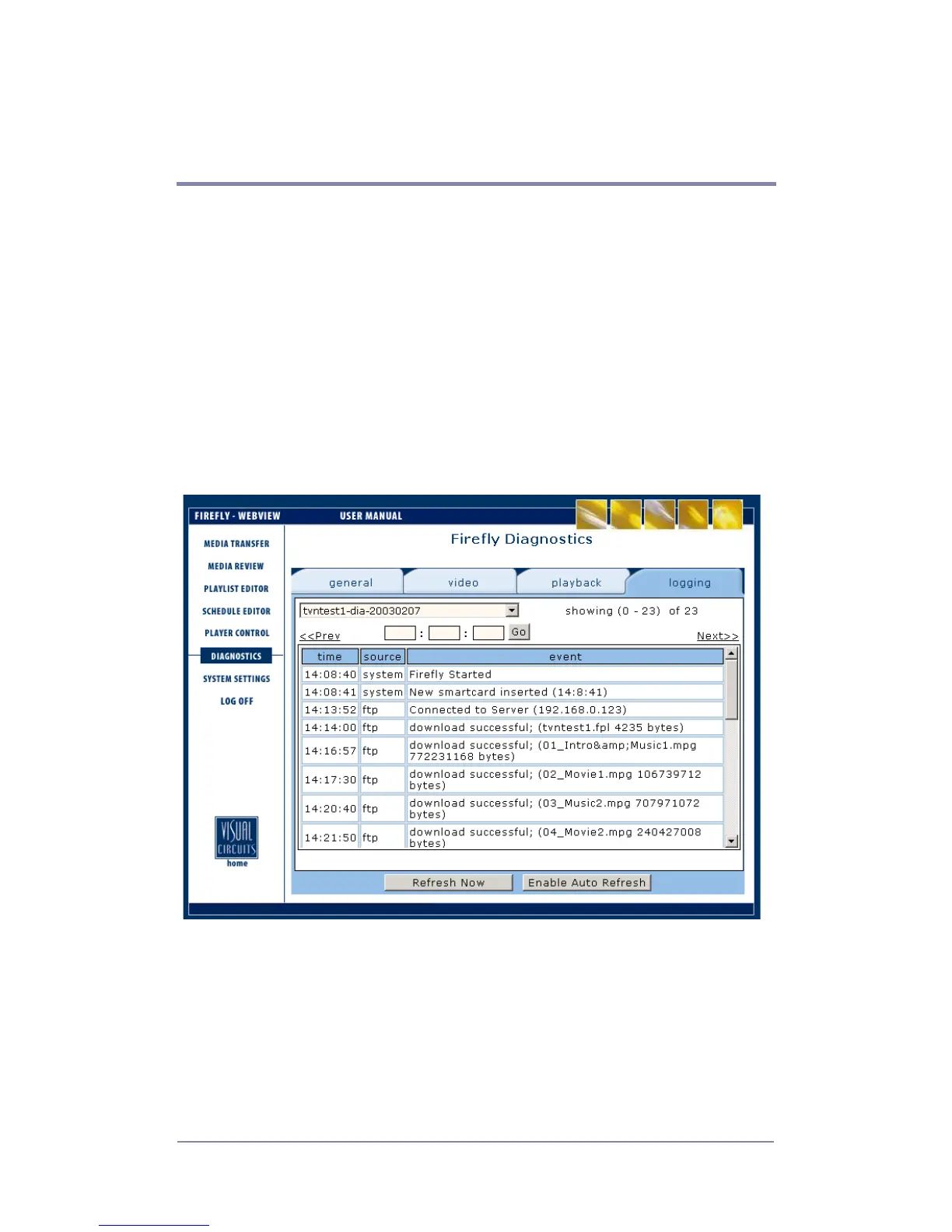
Figure 1. Example of WebView’s Logfile Viewer (see Diagnostics
- Logging on page 65 for more information)



 To Next Page