WEBVIEW
73
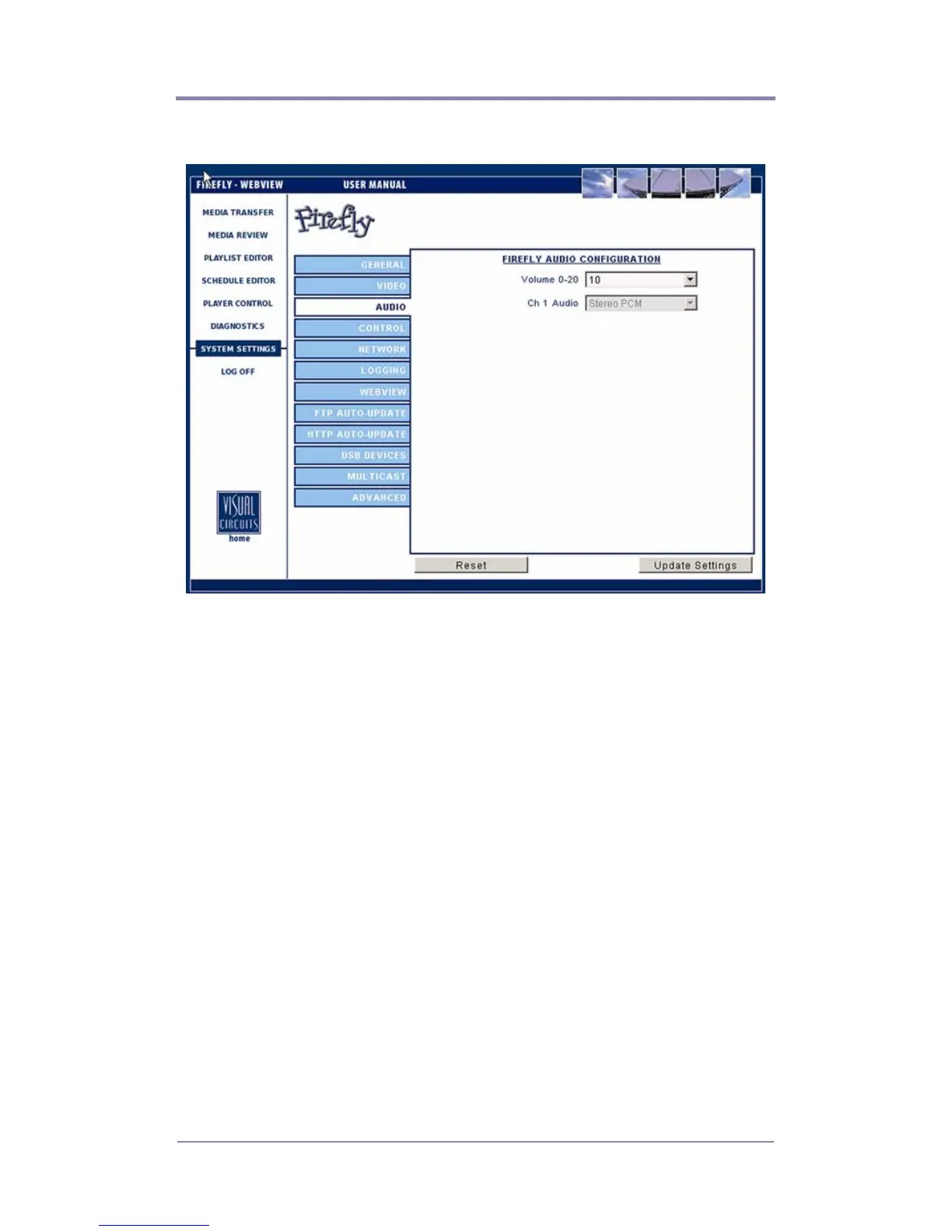
Audio Settings
Figure 30. Settings-Audio
Volume
This setting allows you to set the volume level for audio played
back on the Firefly. The default volume setting is 10 on the 0-20
scale.
Audio Output
Firefly gives you several audio output options depending on the
configuration you use (see
Table 3 on page 74). Standard MPEG
layer-2 files will output from both the digital and stereo analog
outputs. Dolby Digital (AC3) files will output from the digital
outputs only. However, by upgrading your unit/s. you can “mix
down” AC3 files to the stereo analog outputs. If your application
requires a 2-channel (stereo) mix of AC3, please contact a Visual
Circuits representative for more information.



 To Next Page