WEBVIEW
75
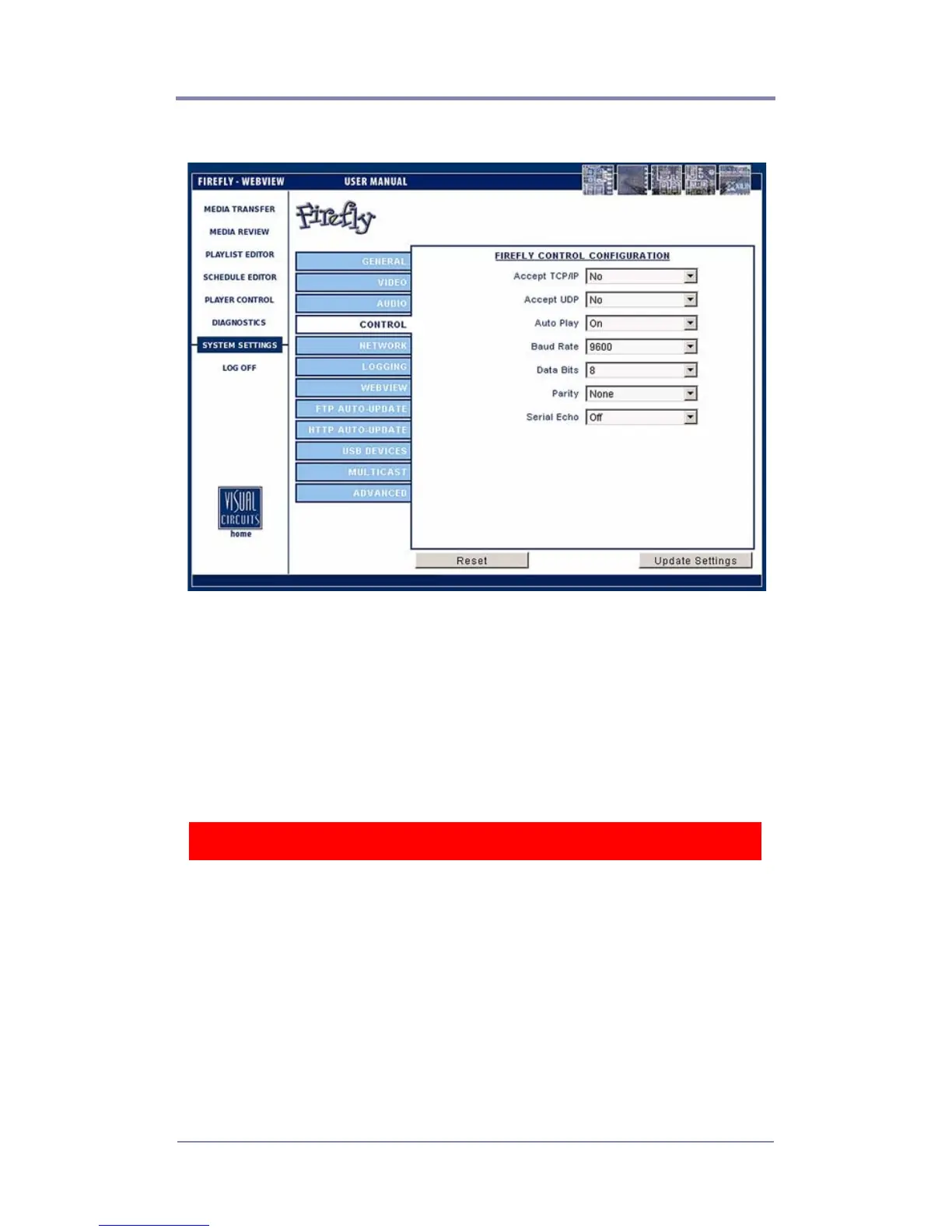
Control Settings
Figure 31. Settings-Control
Accept TCP/IP
In conjunction with RS232 serial communication, TCP/IP allows
the user to remotely operate the Firefly by sending operation
commands through a network or locally using an external PC or
show controller (see
External Control Commands on page 119).
Accept UDP
Select to use User Datagram Protocol (UDP).
WARNING
For security reasons, “Accept TCP/IP” is factory defaulted to “No”.
Be aware that if you decide to use this feature over a large network
(namely the Internet), the potential for outside intervention
(hacking) is greatly increased because there is literally no security
(protection) on this port. Enabling this option will open port 2180.



 To Next Page