WEBVIEW
94
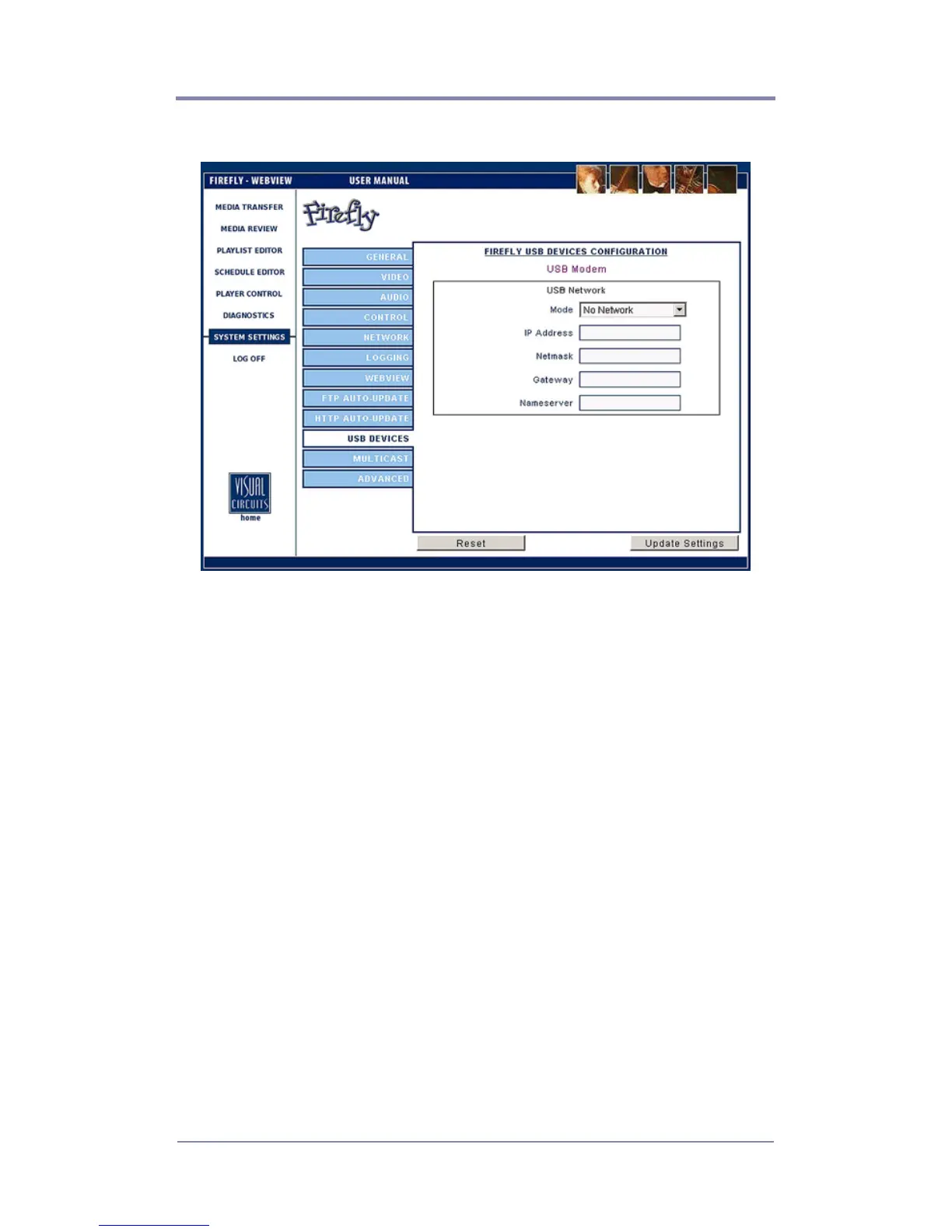
USB Network Settings
Figure 39. Settings USB Network
Mode
Type of network being accessed: Dynamic or Static.
IP Address
A 32-bit address used to identify a node on an IP internetwork.
Each node on the IP internetwork must be assigned a unique IP
address, which is made up of a network identifier and a host
identifier. This address is typically represented in dotted-decimal
notation, with the decimal value of each octet separated by a
period, for example, 192.168.7.27.
You can configure the IP address statically or dynamically through
DHCP. See your Network Administrator for further information.
Netmask
Specify a range that falls on subnet boundaries.



 To Next Page