WEBVIEW
33
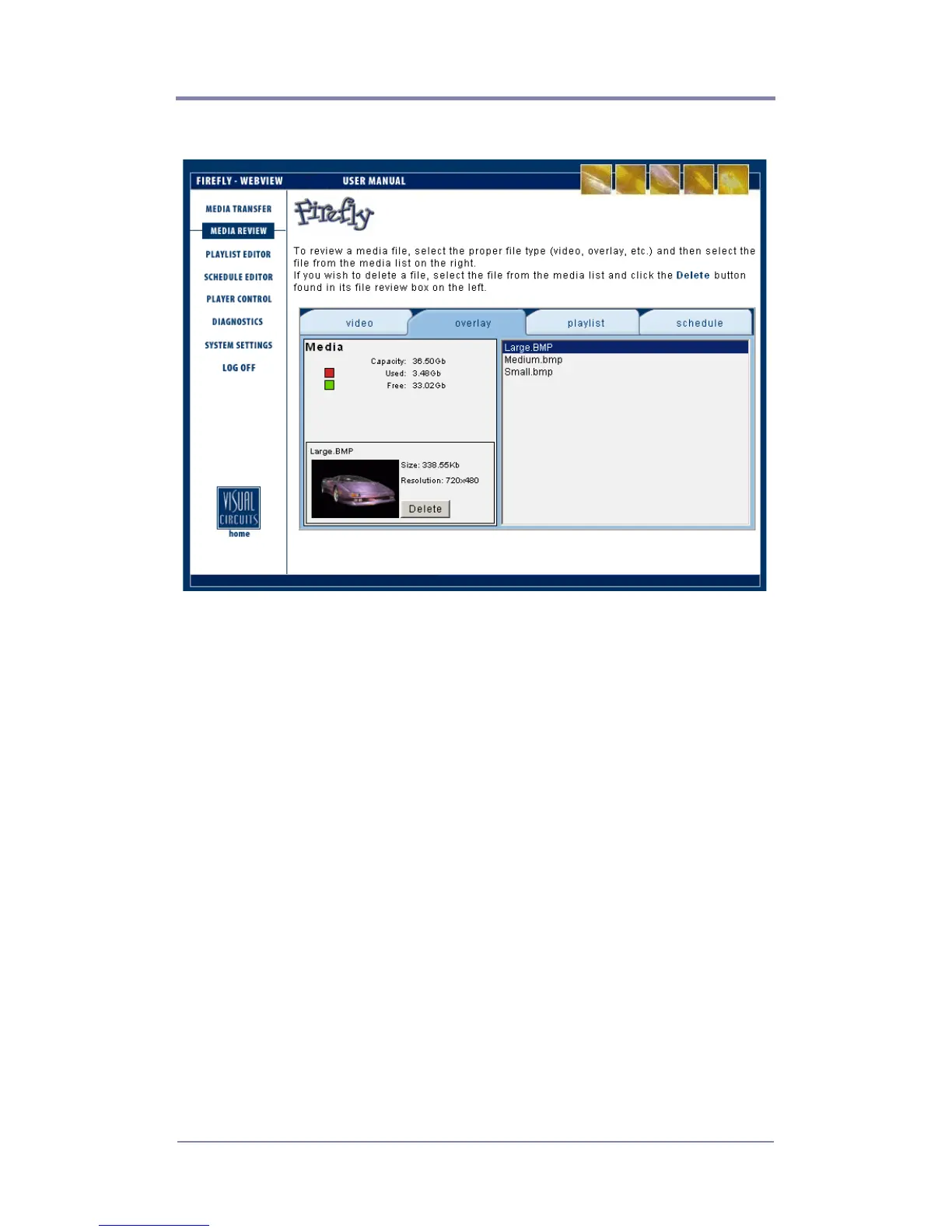
Figure 7. Media Review Page (Graphic Overlay)
Deleting Media from the Firefly
1. Select the proper file type tab (video, overlay, playlist or
schedule) at the top.
2. Select the file(s) from the media list on the right. If you would
like to select multiple files at the same time, you can use the
standard Windows ‘Shift/Control’ methods.
The media review box on the left will display the name of the
file and its size (in MBs). In cases where you have selected
more than one file, all of the file names will be listed along
with a total combined size (in MBs) for the group of files.
3. Click the “Delete” button.
The media file(s) will be deleted from the Firefly storage.



 To Next Page