Firefly Multi-Zone
™
(MZ)
174
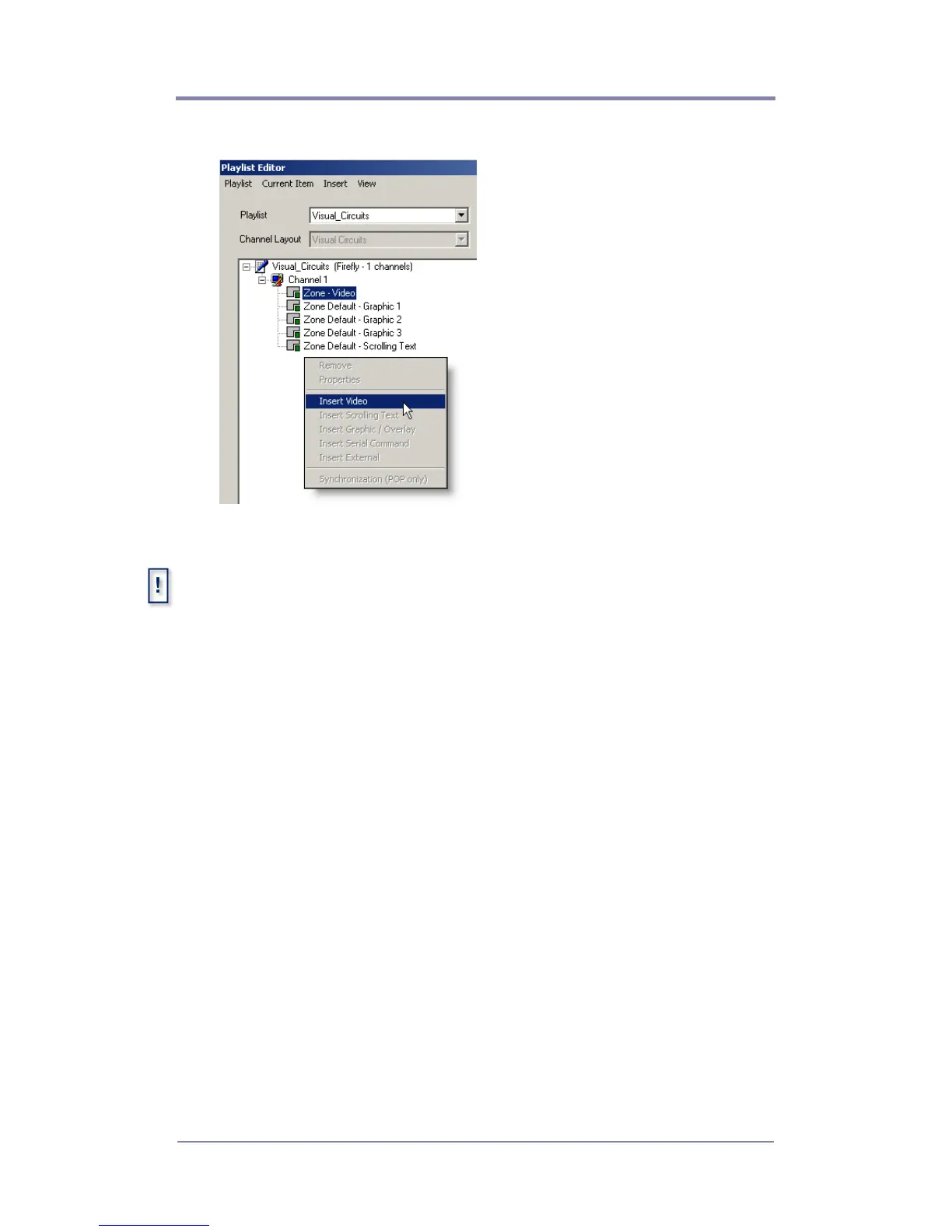
4. Verify that the Navigation Pane lists the layout content zones.
5. Right-click on the Default Video Zone and insert a video file.
.To locate files to insert into the content zone, use the file
browser or, if the file is already resident on the Firefly MZ Media
Player, enter the filename with its extension when it is requested by
application. The full path is not required provided that all the files for
the playlist are transferred to the same directory on the player
File Formats
Video: Mpeg-1, Mpeg-2, Unencrypted DVD
Graphics: BMP, GIF, JPG, PNG, TGA, TIF
6. If required, add content to the default Scrolling Text and
Graphics Zones.



 To Next Page