Firefly Multi-Zone
™
(MZ)
176
This procedure links the playlist to the player. Linking a schedule
to the player is similar but initiates through the Schedules Pane.
1. Return to main Media Messenger workspace..
2. Verify that the correct playlist is displayed in the Playlists
Pane.
3. Select the player by clicking on its icon in the Network Pane.
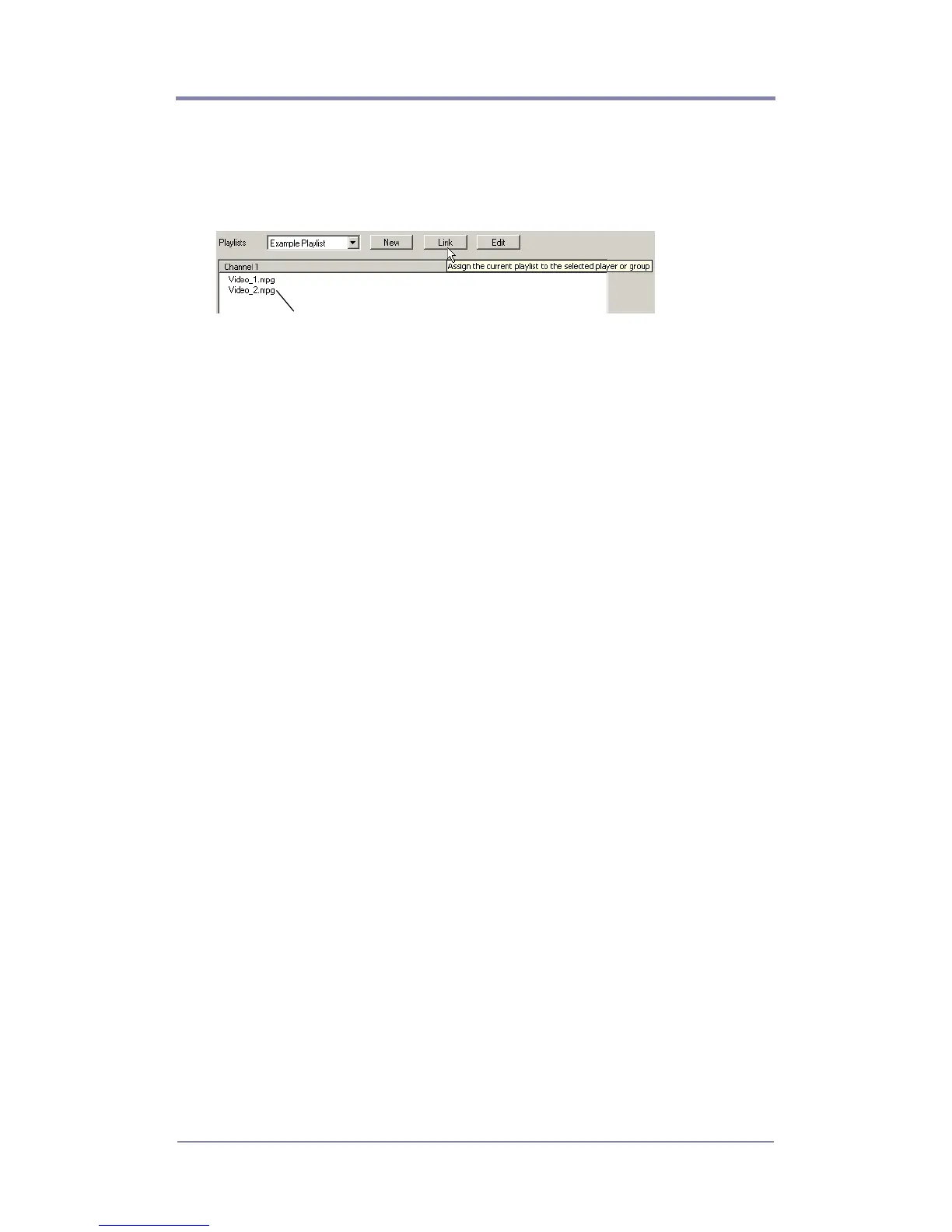
4. Click on the Link button. This instructs the player or group of
players to playback that particular playlist.
The Playlists Pane displays a list of the
videos used in the playlist.



 To Next Page