WEBVIEW
55
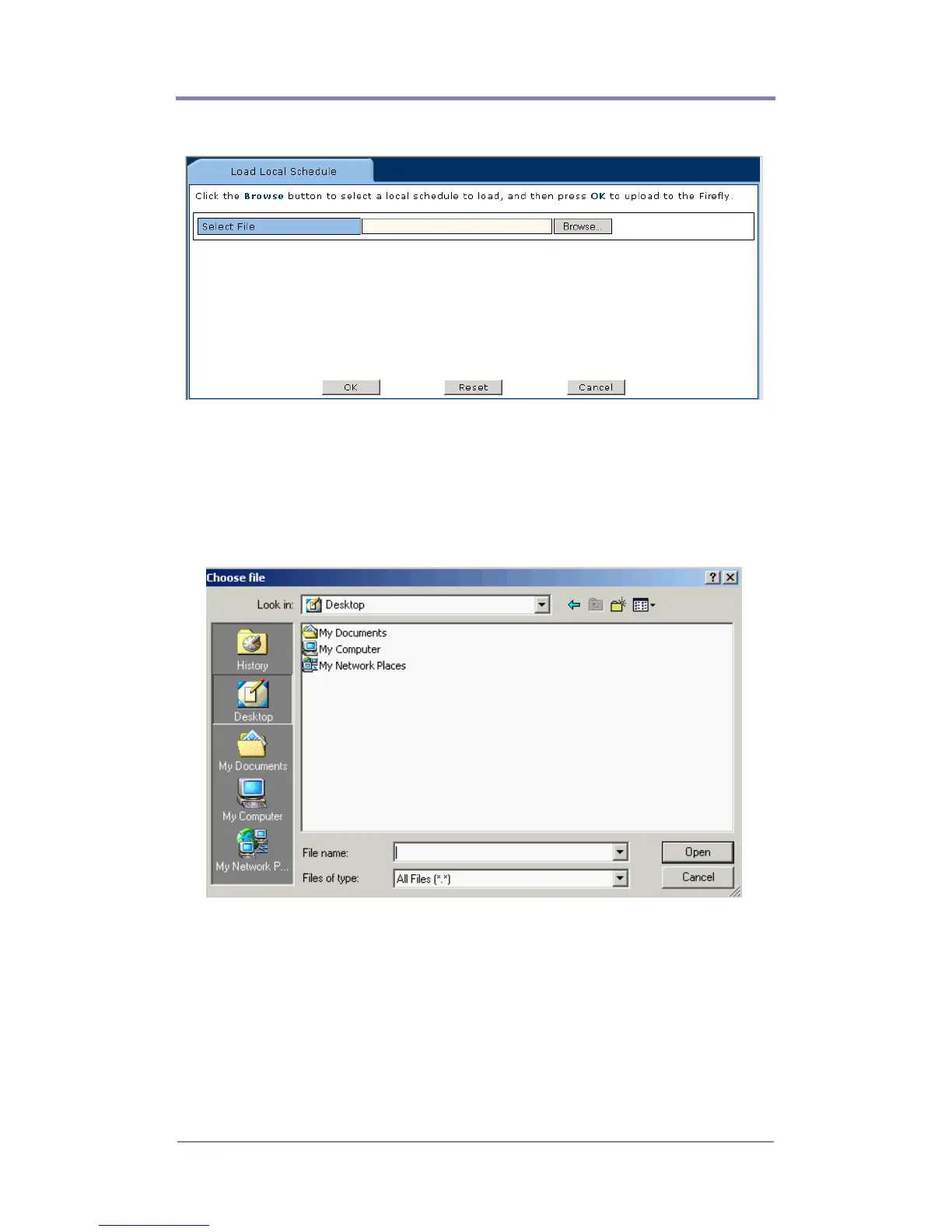
Figure 19. Load Local Browse Dialog Box
2. Click the “Browse” button.
The following Choose File dialog box will appear:
Figure 20. Load Local Save As Dialog Box
3. Locate your desired schedule file (.fsc). Once found, highlight
it and click the “Open” button.
4. The field will be populated with your desired schedule file
name. If the file appears correct, click the “OK” button.



 To Next Page