8
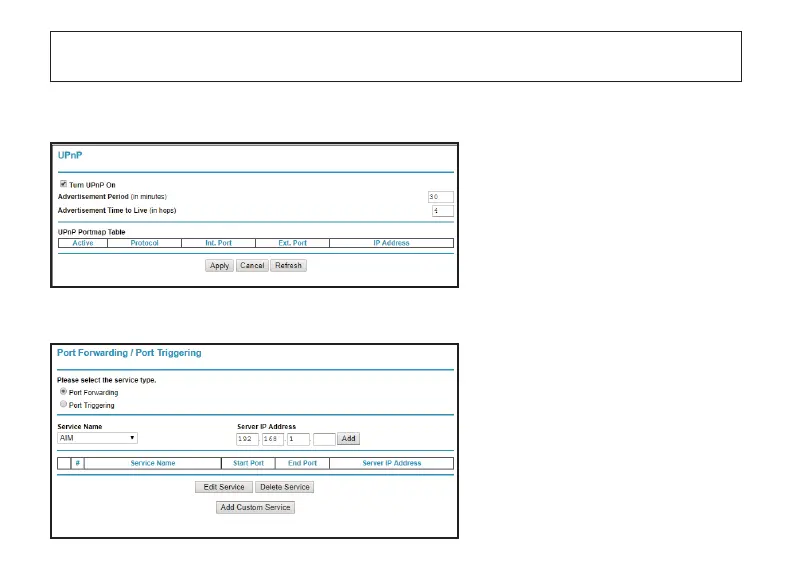
a). If your router supports UPnP funcon
You will need to set up the Port Forward-
ing manually.
Go to the Forwarding funcon page in
your router, and add a Custom Service.
For the specific funcon descripon and seng methods, please check your router’s User Manual or contact with
your router’s customer service.
Go to the UPnP funcon page in your
router system, and make sure that the
UPnP funcon is Enable.
b). If your router doesn’t support UPnP funcon



 To Next Page