6
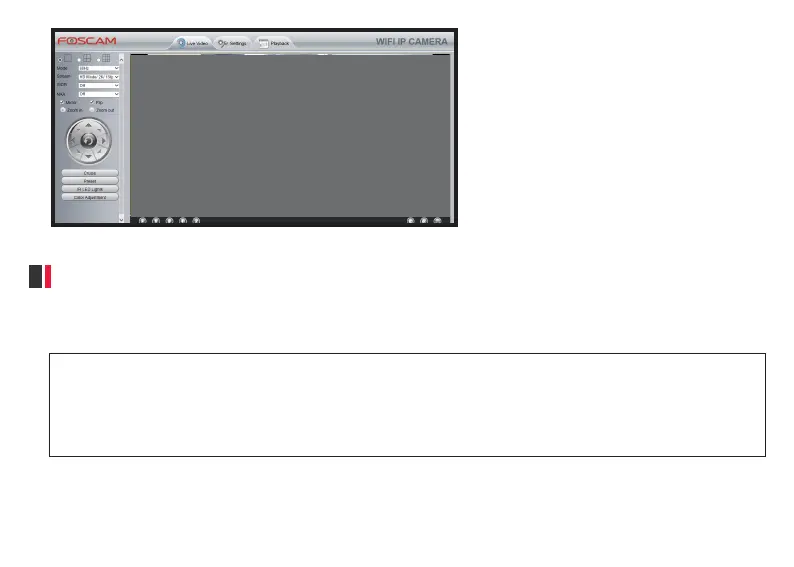
● Now you have logged in the camera system!
P2
3.1 Access to Camera via a Web Browser
3. Access to Camera
Aer you finished the inial installaon for your camera, you can login your camera for your daily use and
sengs.
*If you want to access to your camera via a local area network (LAN), please make sure your App or computer and your
camera are connected to the same network;
*If you want to access to your camera remotely, please make sure your camera has been connected to the Internet;
*If you don’t want to connect your camera with an Ethernet cable, please make sure that you have completed the WiFi
configuraon for your camera.
It is easy for you to access to camera by using a web browser; Before accessing to your camera, please check if
your camera is connected to a local area network or the Internet.



 To Next Page