20
4.3 Mail Sengs
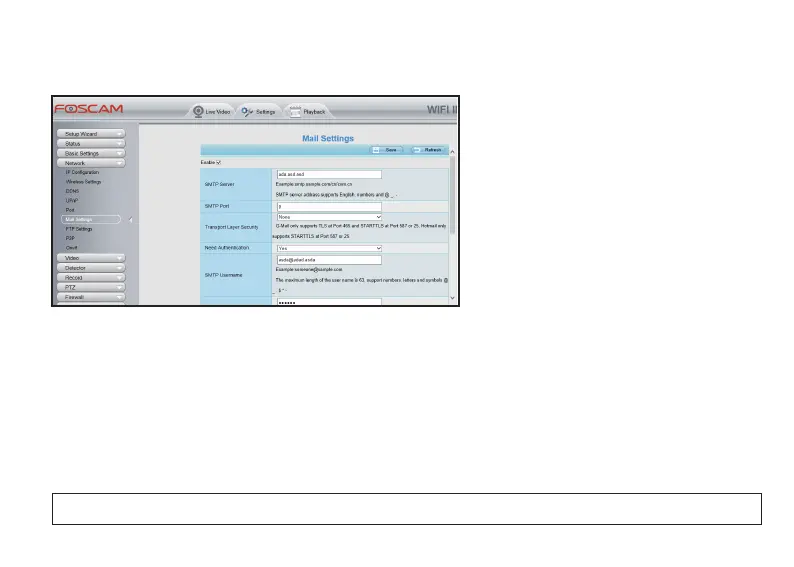
If you want the camera to send emails when a moon is detected, here Mail will need to be configured first.
● Access to your camera from a Web
Browser, and go to Sengs > Network >
Mail Sengs. Check the Enable and
complete the sengs.
a). Sender Email: Your sender email should
support SMTP, or mail seng will failed;
b). SMTP Server/Port/User Name/Pass-
word - Please check these informaon with
your Sender Email Server;
c). Receiver: Your alarm email will be sent
to the receivers, the maximum receivers
will be four.
● Aer all the sengs and click Test to check if the sengs are correct, and click Save to complete the sengs.
Huntvision cameras support Moon Detecon and Sound Detecon Alarm, when the moon or sound has
been detected, the IP camera will make an alarm with several alarm acons such as making sound, sending
email, taking snapshot, recording video and pushing message to the phone.
NOTE: You must set the detecon area and detecon schedule, or else there is no alarm anywhere and anyme.
4.4 Detecon Setup
4.4.1 Moon Detecon



 To Next Page