10
hps:// WAN IP: HTTPS port No.
You can acquire your WAN IP by vising hp://www.whasmyip.com from your browser; The default HTTPS port No.
is 443. For example, if your WAN IP is 58.541.***.**, your WAN IP access address will be hps://58.541.***.**:443;
Type this address in your web browser, and you will be able to locate the camera login page.
If you want to use DDNS to get access to your camera, you will need to log in your camera in a Local Area
Network to acvate the DDNS funcon in your camera first. Please check Page 7 in this User Manual for the
method on geng access to your camera in a Local Area Network.
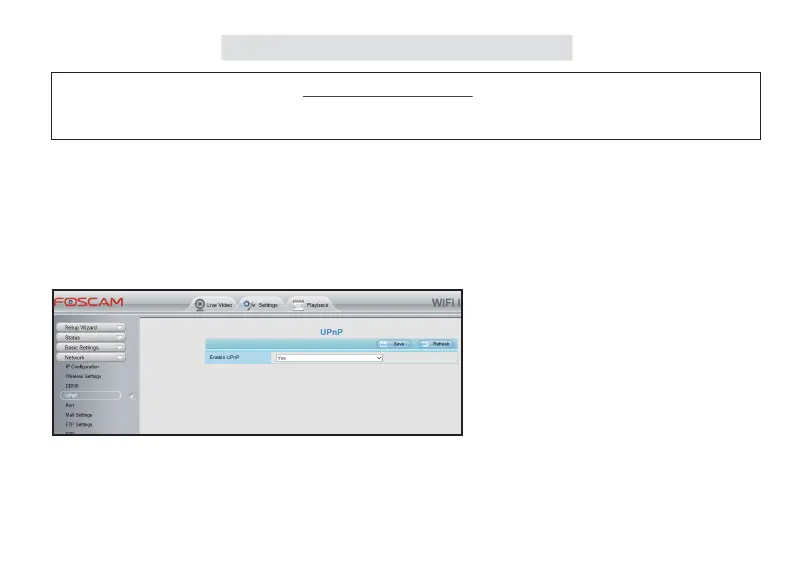
Step 1. Enable UPnP on your camera
Go to the Sengs > Network > UPnP seng tag,
select Yes to enable UPnP.
● DDNS Access Seng



 To Next Page