2
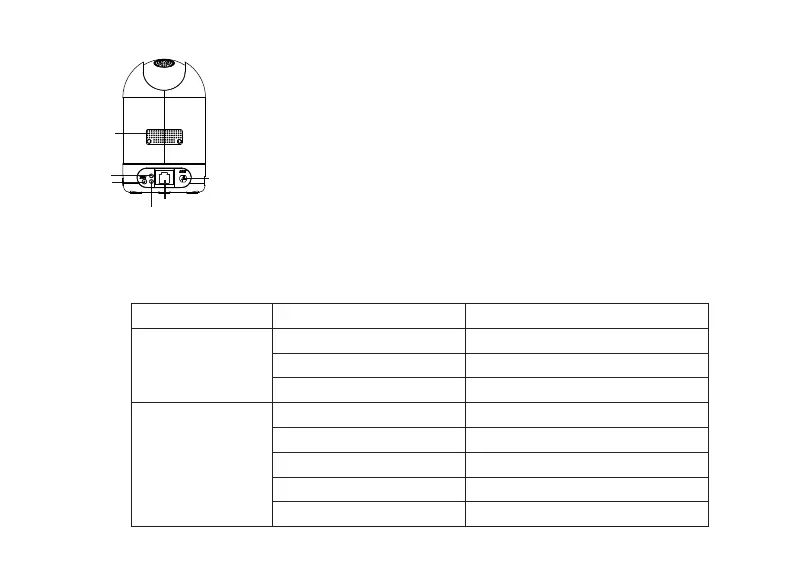
LAN
Power
Network light
Power light
Antenna
Loud Speaker
● LAN: 10/100 Mbps RJ-45 port for wired connecon
● Power: DC 5V/2A power supply
● Speaker: Built-in speaker
● Antenna: Used to connect external wireless antenna
Power Light
Light
Network Light
OFF
Flashing Status Descripon
ON
The power doesn’t work properly
The power supply works fine
Flashing every 0.4 seconds Reset takes effects
OFF No network connecon
ON Wired connecon
Slow Flash every 1.0 Second WiFi connected
Flashing every 0.4 seconds WPS is connecng
Flashing every 0.2 seconds EZ-Link takes effect
1.2.2 Rear Panel
The flashing status of the power light and Network light are shown in the following table.
1.2.3 Indicator Light Status



 To Next Page