26
Security Settings: We recommend that you change the password of your camera regularly, using a
combinaon of numbers, leers and special characters.
Sync Time: Tap this buon to sync camera with the smartphone me.
IR LED Schedule: You can manage IR LED based on a schedule if IR LED is in Scheduled mode.
Prompt Settings: You can turn on/off the camera LED here, and also you can enable/disable the voice
prompt here.
Reboot Camera: You can reboot your camera here.
Delete Camera: You can delete your camera here.
4.5.2 Sengs in a Web Browser
You can do the sengs for your camera from a web browser.
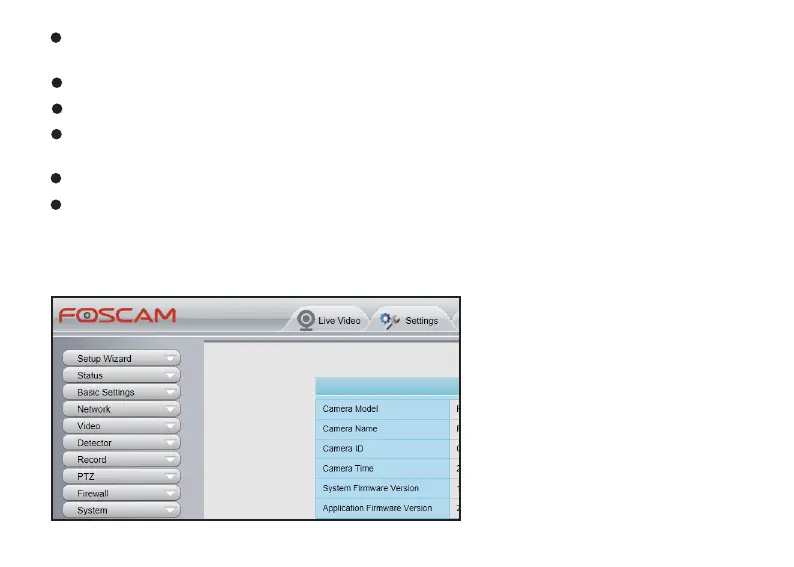
*Tap Sengs icon on the top of the
Web Browser, and you will see the
seng list of your camera:



 To Next Page