1
1. Descripon
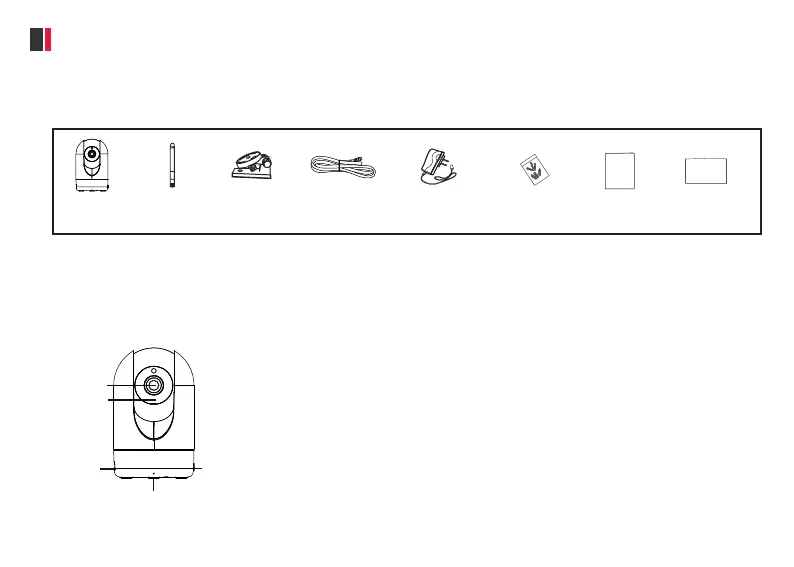
1.1 Package Contents
1.2.1 Front Panel
1.2 Physical Descripon
WPS/Reset
Micro SD
Card Slot
Microphone
Infrared LED
Lens
Quick Start Guide
User Manual
Power Adapter
Mounng Bracket
IP Camera
WiFi Antenna
Ethernet Cable
Expansion Screws
Please verify all contents received are complete according to the Package Contents listed below.
● Lens: Fixed focus lens
● Infrared LED: Infrared LEDs for night vision
● Microphone: Built-in microphone
● Micro SD Card slot: Supports up to 128GB SD card for storing the video
● WPS/Reset
WPS: Push both WPS/Reset buon on the camera and wireless router
about 3 seconds, the camera will connect to the wireless router
automacally, in WPS process, the Network light will flash every 0.4
seconds;
Reset: Push and hold the WPS/Reset buon unl a voice prompt,
‘Reset Succeeded’, to set the camera to factory default, the Power light
will flash every 0.4 seconds.



 To Next Page