18
4.2.2 FTP
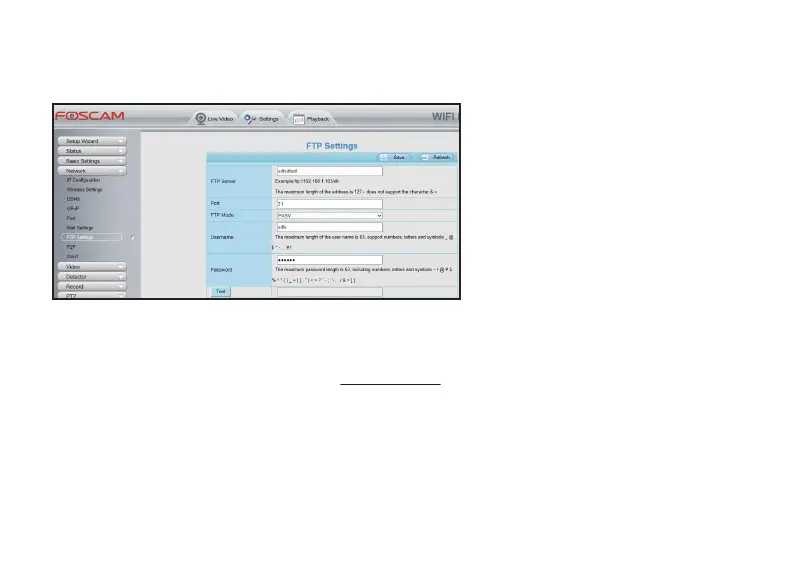
If you want to store your alarm recordings at your FTP, you will need to accesee to your camera from a web
browser for configurang your FTP first.
Access to your camera from a Web
browser, and go to the Sengs page, click
the Network funcon tag and select FTP
Sengs.
Complete these informaon and click Save
buon.
If you have acvated your Foscam Cloud Service, your alarm recordings will be stored at the Foscam Cloud
Server at the same me, which you can visit myfoscam.com for details.
Huntvision cameras are also compable with Foscam NVR products; You can also access to camera from a
Foscam NVR product, and store the alarm recordings at this Foscam NVR product.
You will need to do this seng on a Foscam NVR product.
4.2.3 Foscam Cloud
4.2.4 Foscam NVR Products



 To Next Page