19
Foscam Album
Select
Today
If you use Foscam App to access to your camera, your manual recordings and snapshots will be stored at your
smartphone; and if you access to your camera from a web browser or VMS, your manual recordings and
snapshots will be stored at your computer.
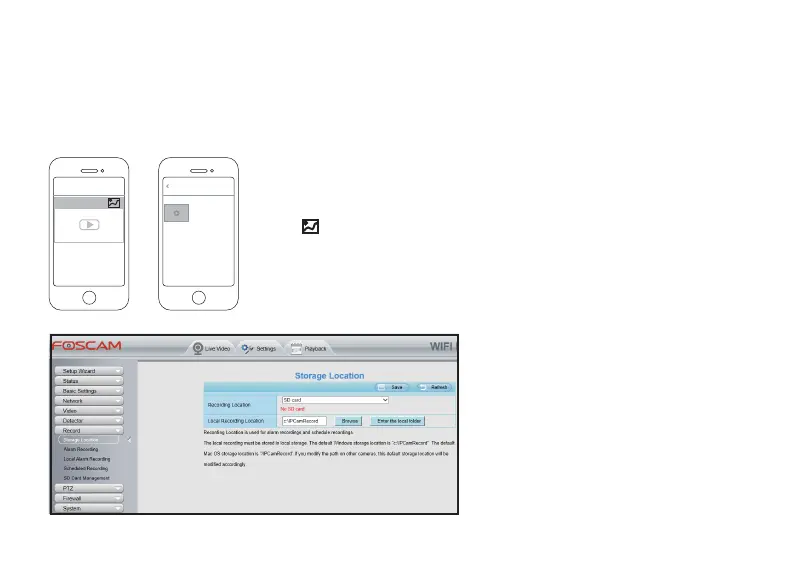
●The storage locaon in your smartphone is unable to modify. You can check, playback and manage your
manual recordings from Foscam App:
*Tap icon of which camera you want to manage its manual recordings
snapshots from App’s home page, and you will access to the Album page.
●The storage locaon in your computer
can be modified;
Please access to your camera from a Web
Browser, and go to Sengs > Record >
Storage Locaon.
*Select a folder in your computer from
Browse for the local recording locaon;
Your manual recordings generated from
Web browser will be stored at the folder
you selected.
4.2.5 Device Local Storage



 To Next Page