24
Foscam
P2/P4
HD
x
←
←
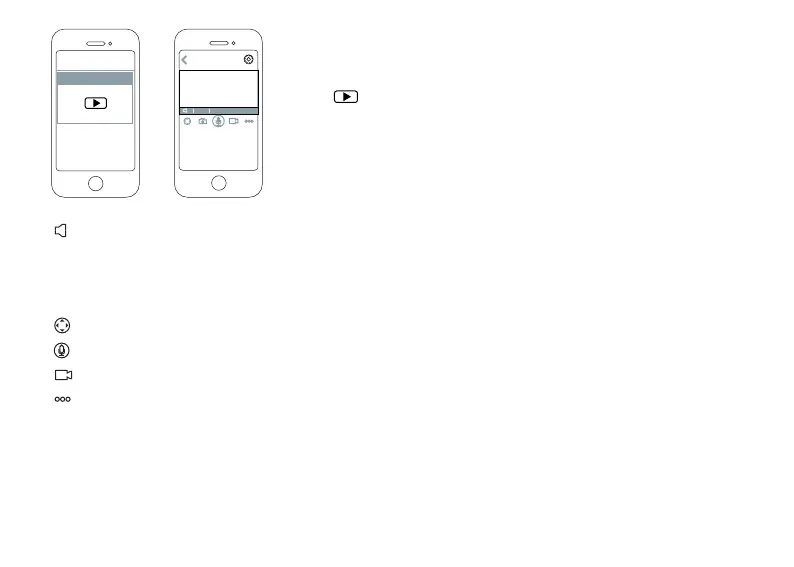
*Tap icon on the camera that you want to manage and you can
access to the camera page.
Tap this buom to turn on/off the mic on the camera, and if you turn it on, you can hear the sound
from your smartphone (Please make sure that your smartphone is not in the Mute mode);
Tap this buon to adjust the image quality;
Tap this buon to full screen display;
Tap this buon to Pan & Tilt control your camera;
Press and hold this buon, two-way audio is ready for when the buon is bright blue;
Tap this buon to record manually;
Tap this buon to set Moon/Sound Detecon, enable/disable the IR LED, and rotaon of the image.
HD
x
←
←



 To Next Page