107
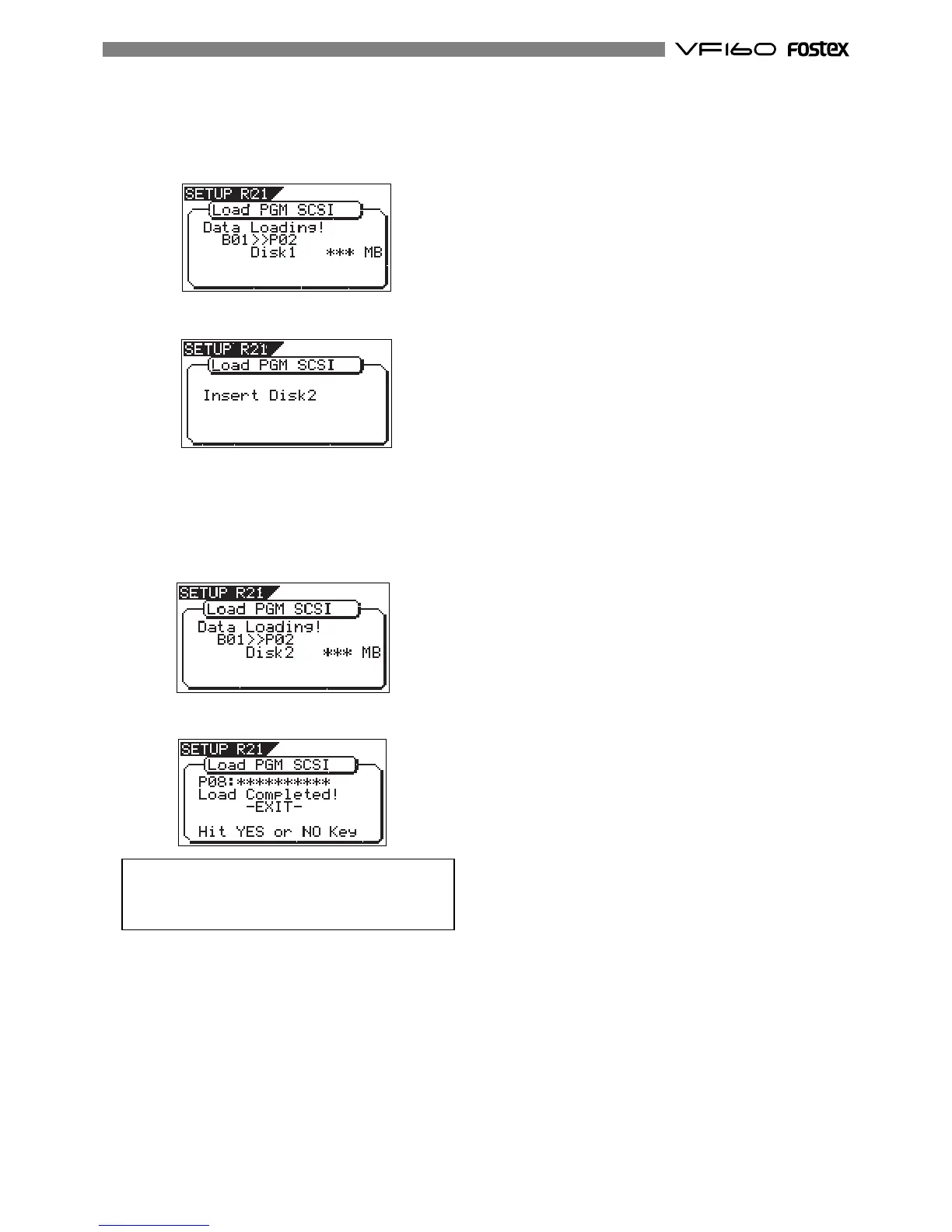
After completing the data load from Disk-1, the display
shows "Insert Disk 2", while Disk-1 is automatically ejected.
5. Insert Disk-2 (the second disk) to the SCSI device according
to the display message.
In a while after inserting the disk, the VF160 automatically
starts loading data from Disk-2.
The screen looks similar to the one when loading Disk-1.
As the data load goes on, the remaining data size shown
on the screen counts down.
When the load operation is completed, "Completed!"
appears, while the VF160 stops.
<Note>
You cannot abort the load operation using SCSI before
completed, unlike the load operation using the S/PDIF
or adat signal.
6. Press the [EXIT/NO] key (or the [STOP] key) repeatedly until
exiting the Setup mode.
4. Use the [JOG] dial to select the load destination programand
press the [ENTER/YES] key.
The data load to the selected program starts.
The display changes to something like the screen below.
As the data load goes on, the remaining data size shownon
the screen counts down.



 To Next Page