32. [AUTO RTN-START/MARK1] Key
* This key is used to CHECK/CHANGE the parameters
saved at the start point (AUTO RETURN START POINT)
when executing auto return or auto repeat.
* Press this key while the [SHIFT] key is depressed to
CHECK/CHANGE the parameters saved in [MARK1].
* This can be used as Locate Memory.
33. [AUTO PUNCH-IN/MARK2] Key
* This key is used to CHECK/CHANGE the parameters
saved at the recording start point (PUNCH IN POINT)
when executing auto punch in/out, paste or erase.
* Press this key while the [SHIFT] key is depressed to
CHECK/CHANGE the parameters saved in [MARK2].
* This can be used as Locate Memory.
34. [AUTO PUNCH-OUT/MARK3] Key
* This key is used to CHECK/CHANGE the parameters
saved at the recording end point (PUNCH OUT POINT)
when executing auto punch in/out or erase.
* Press this key while the [SHIFT] key is depressed to
CHECK/CHANGE the parameters saved in [MARK3].
* This can be used as Locate Memory.
35. [AUTO RTN-END/MARK4] Key
* This key is used to CHECK/CHANGE the parameters
saved at the end point (AUTO RETURN END POINT) when
executing auto return or auto repeat.
* Press this key while the [SHIFT] key is depressed to
CHECK/CHANGE the parameters saved in [MARK4].
* This can be used as Locate Memory.
36. [CLIPBOARD-IN/MARK5] Key
* This key is used to CHECK/CHANGE the parameter saved
at the start point (CLIPBOARD IN POINT) when copying
from or pasting to the clipboard.
* Press this key while the [SHIFT] key is depressed to
CHECK/CHANGE the parameters saved in [MARK5].
* This can be used as Locate Memory.
37. [CLIPBOARD-ALIGN SEL/MARK6] Key
* This key is used to CHECK/CHANGE the parameter saved
at the align point (ALIGN POINT) when copying/pasting
or moving/pasting.
* Press this key while the [SHIFT] key is depressed to
CHECK/CHANGE the parameters saved in [MARK6].
* This can be used as Locate Memory.
38. [CLIPBOARD-OUT/MARK7] Key
* This key is used to CHECK/CHANGE the parameter saved
at the end point (CLIPBOARD OUT POINT) when copying
from or pasting to the clipboard.
* Press this key while the [SHIFT] key is depressed to
CHECK/CHANGE the parameters saved in [MARK7].
* This can be used as Locate Memory.
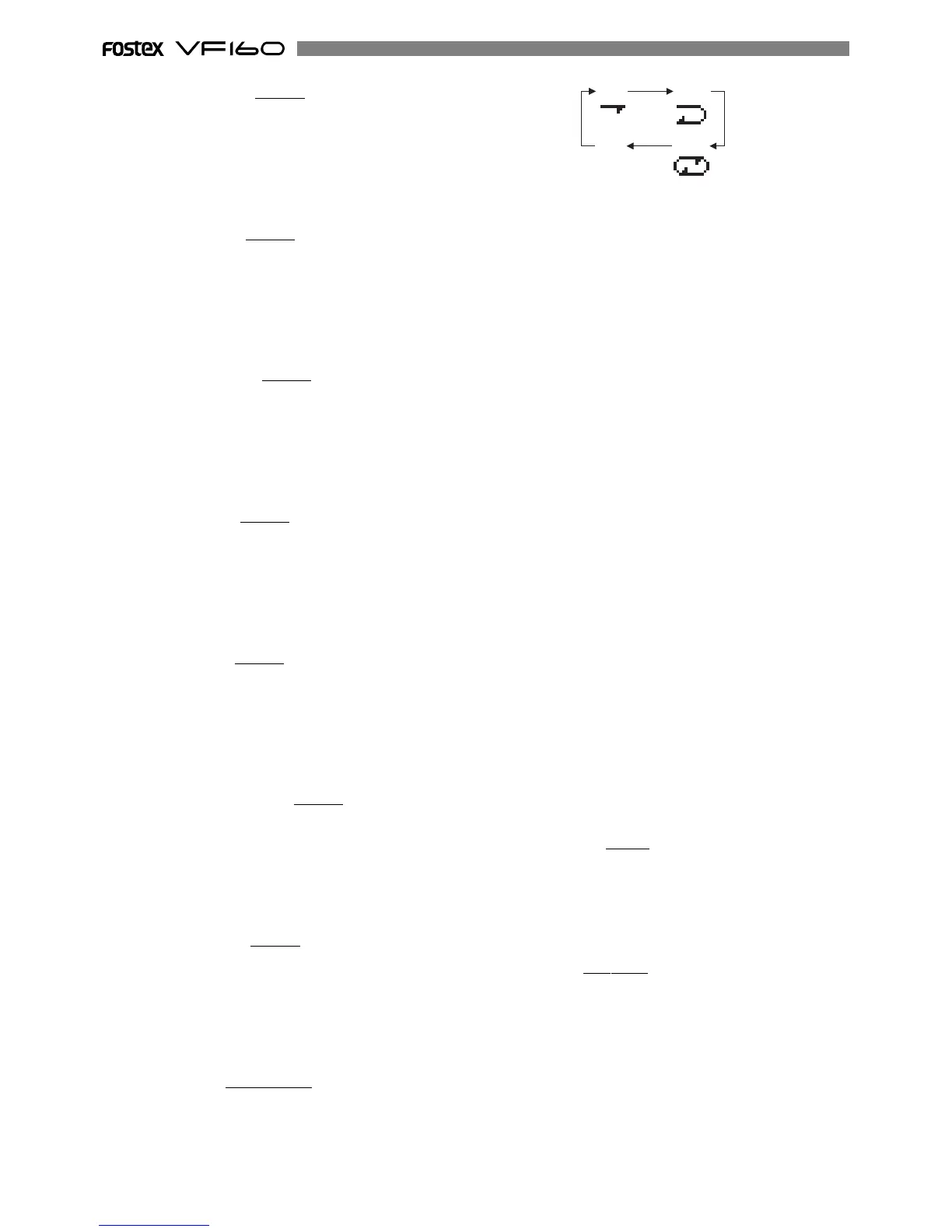
39. [A RTN/A PLAY/SCENE SEQ.] Key
* Every time this key is pressed the mode switches from
Auto Play -> Auto Return -> Auto Repeat -> OFF, and this
mode is shown on the LCD.
* Press this key while the [SHIFT] key is depressed to turn
ON/OFF the scene sequence.
When scene sequence is switched “on”, the normal
display section “S**” will change to reversed black and
white display.
40. [HOLD/>] Key
* This key is used to hold the parameter (time or BAR/
BEAT/CLK) when the key is pressed. The parameter is
simultaneously displayed and is editable.
* When this key is pressed at editing of the value, the digit
can be moved to the right or below, and if this key is
pressed while pressing on the [SHIFT] key, it can be
moved to the left or above.
41. [STORE] Key
* This key is used to store the edited parameters (time or
BAR/BEAT/CLK) to the editing point (AUTO PUNCH
POINT, etc.), MARK point, LOCATE MEMORY, etc.
42. [EDIT] Key
* This key is used to copy, past and edit the sound.
The following 5 types of sound editing types are
possible.
a. [Copy Clip]
b. [Move Clip]
c. [Copy Paste] or [Move Paste]
d. [Erase]
e. [Track Exchange]
43. [UNDO/REDO] Key
* This key is used to copy, past and edit sound as well as
cancel and undo the auto punch in/out, recording and
other processes.
* Press this key again to return to the state prior to undo
(redo).
44. [VARI PITCH/P.EDIT] Key
* Every time this key is pressed the mode alternates
between VARI PITCH (PLAY/REC at different speed) ON
(Key: Light ON)/OFF (Key: Light OFF).
* Press this key while the [SHIFT] key is depressed to alter
the speed variation (Pitch Edit).
45. [LOCATE/EVT MEM] Key
* This key is used to locate the editing point (AUTO PUNCH
POINT, etc.) and Mark Point.
* The last located parameter is saved as the parameter of
this key, every time. Therefore, it is possible to simply
press this key to go to the last located point( LAST
LOCATE).
* Press this key while the [SHIFT] key is depressed to edit
the parameter saved in Event Memory (Event number
01-99).



 To Next Page