FOXTEL DIGITAL GUIDE
21
FOXTEL Guide
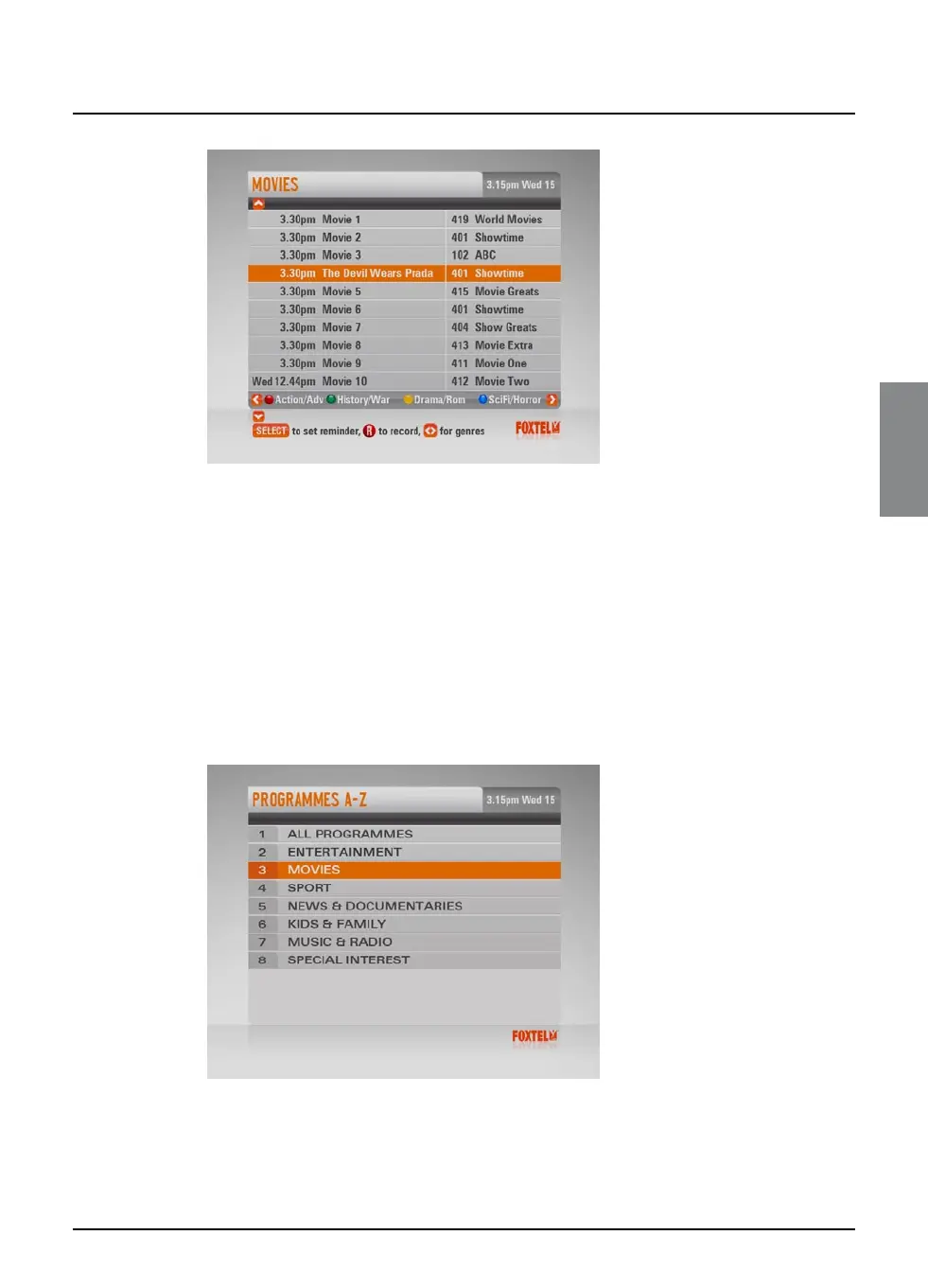
u To move through the list of programmes, press U or D.
u You can choose to view by sub-genre. Press a colour button
(shown at the bottom of the screen) to choose the sub-genre
you want.
u Different sub-genres may be available. Press L or R to view all
the available sub-genres.
u Use ch + and ch - to page through the list.
Programmes A-Z
u To choose a programme sorted by title, highlight ‘Programmes
A-Z’ then press select.
The Programmes A-Z screen displays.
u Highlight one of the genres listed, then press select.
The listings screen for that programme genre displays, with the
programmes listed by title then showing time.



 To Next Page