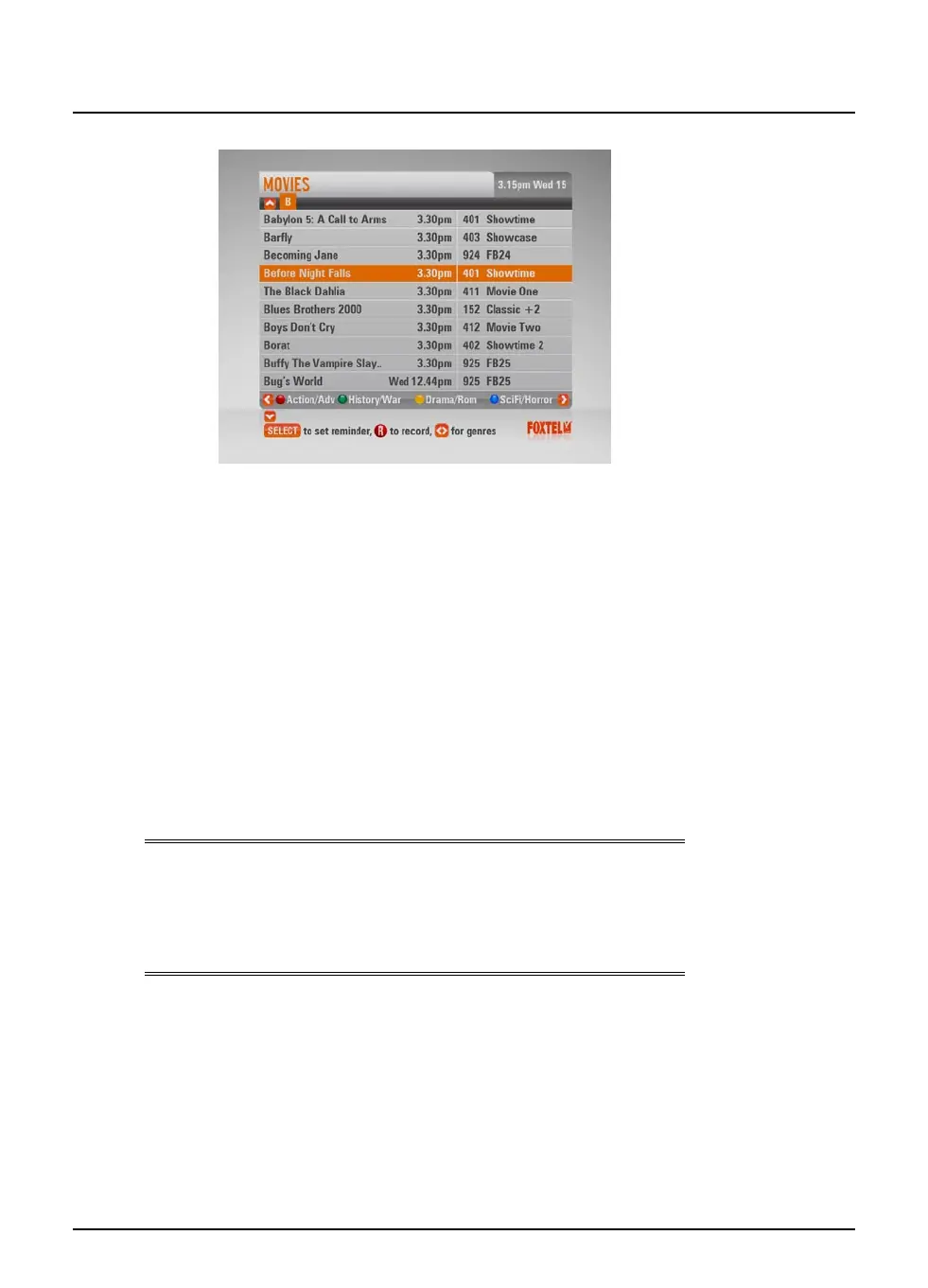
FOXTEL Guide
22
Using the FOXTEL iQ2
To search using Programmes by A-Z you are able to use the FOXTEL
remote to enter in the first letter of the programme you are looking
for.
u To jump to a letter use the FOXTEL remote number buttons to enter
the first letter of the programme, for example press the 3 button to
jump to programmes starting with ‘d’ or press the 5 button three
times to jump to programmes starting with ‘l’.
u To move through the list of programmes, press U or D.
u You can choose to view by sub-genre. Press a colour button
(shown at the bottom of the screen) to choose the sub-genre
you want.
u Different sub-genres may be available. Press L or R to view all
the available sub-genres.
u Use ch + and ch - to page through the list.
Note
A programme may not be listed under the first word of the title if the
first word is “The” or “A”. If the first word of a programm title is “The”
or “A”, try searching the listings using the second word. For example,
to find “The Matrix”search under “M”.
22



 To Next Page