FOXTEL DIGITAL GUIDE
23
FOXTEL Guide
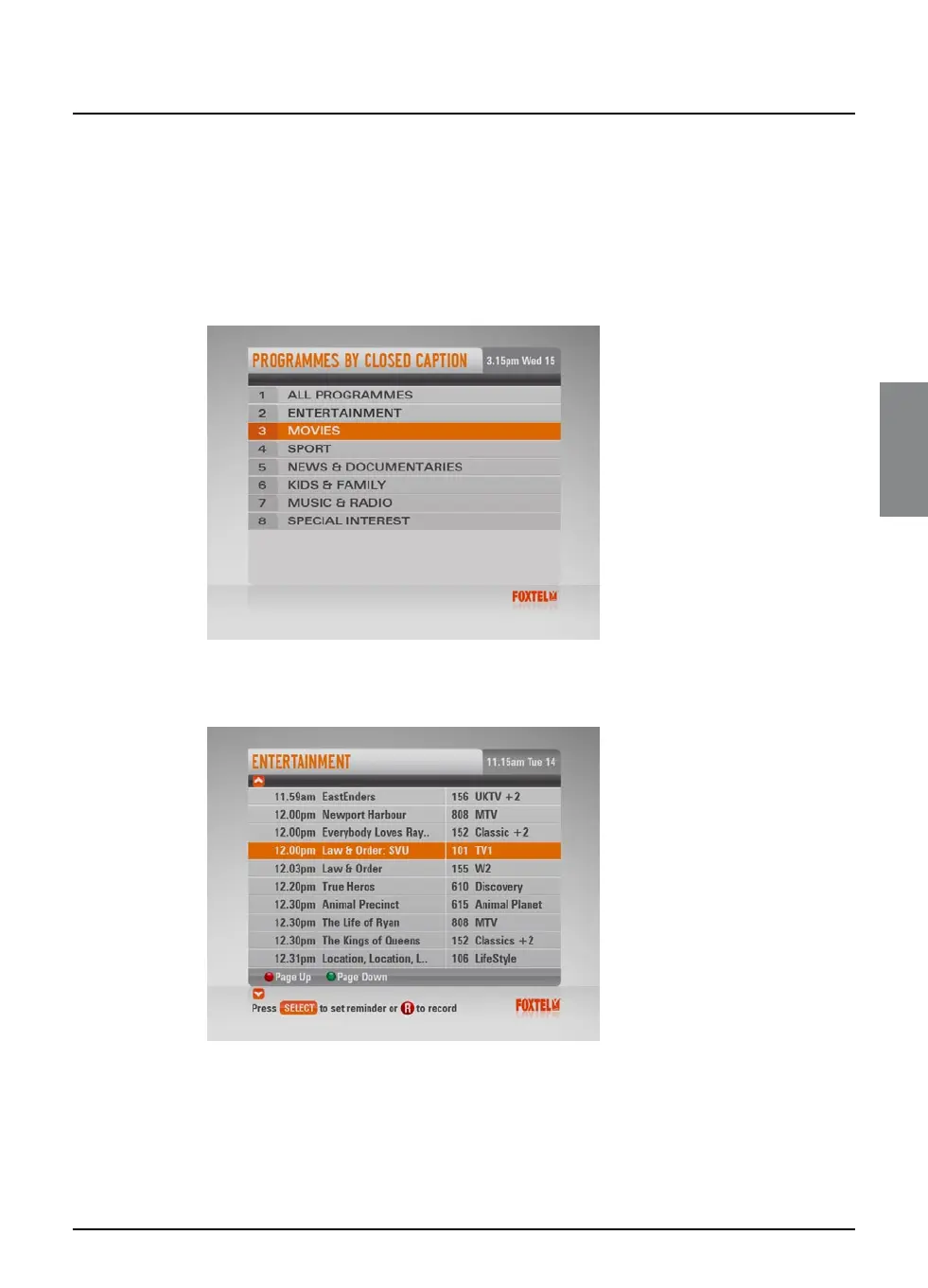
Programmes By Closed Caption
If you want to see a list of all closed captioned and subtitled
programmes, showing at a particular time, you can search by
closed caption.
u To choose a programme by Closed Caption, highlight
‘Programmes By Closed Caption’ then press select.
The Programmes By Closed Caption screen appears.
u Highlight one of the genres listed, then press select.
The listings screen for that genre displays, with the programmes
listed in the order they are showing.
u To move through the list of programmes, press U or D.
u Use ch + and ch - to page through the list.
FOXTEL DIGITAL GUIDE
23



 To Next Page