25
Premier Diagnostic Platform i70Pro User's Manual V1.01
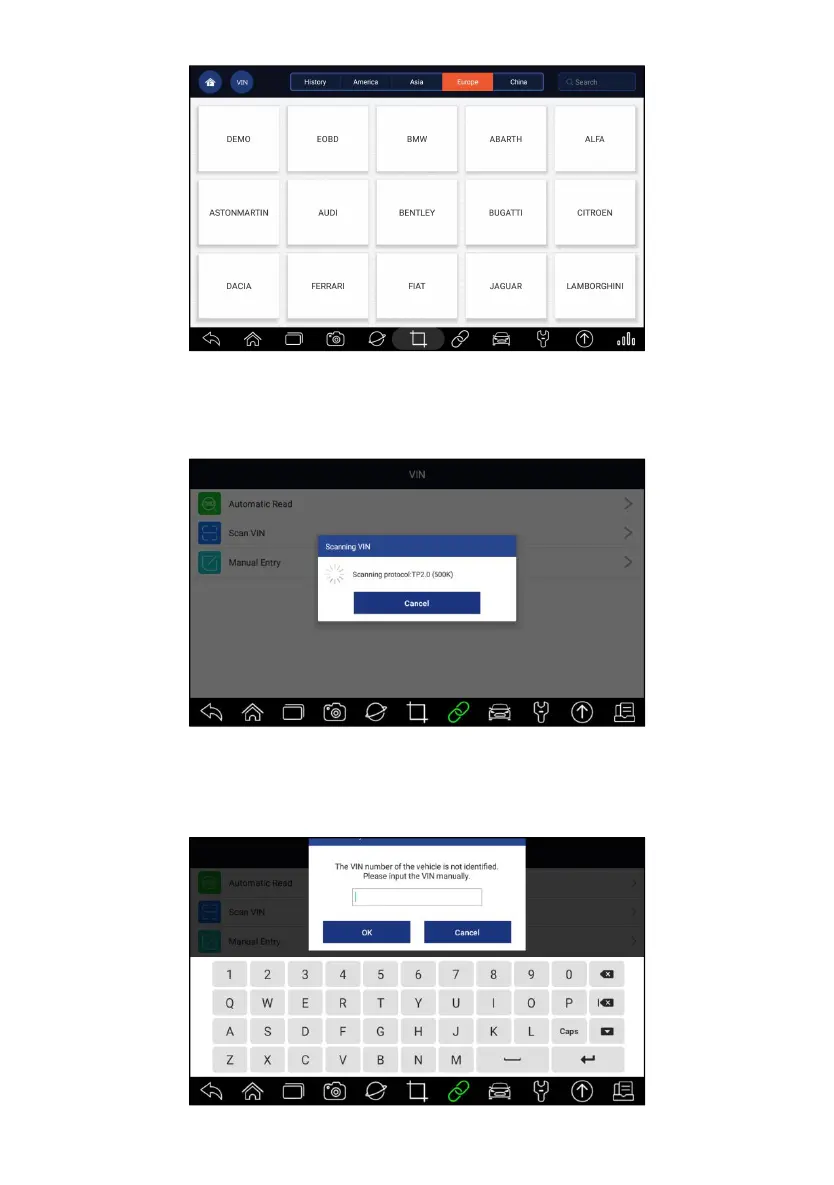
Figure 4-2 Sample Automatic Read Screen
3. When the scan tool builds connection with the vehicle, the VIN number
displays. If the Vehicle Specification or VIN code is correct, press the OK
to continue.
Figure 4-3 Sample Automatic Read Screen
4. If it takes too long to get the VIN code, press Cancel to stop and input the
VIN manually. Or if failed to identify the VIN, please input the VIN
manually or click Cancel to quit.














 To Next Page