64
Premier Diagnostic Platform i70Pro User's Manual V1.01
Figure 7-13 Sample Data Logging Screen
2. Click the Data Logging icon again to stop the recording and data log
record will be saved automatically.
3. Go to Data Manager -- Data Record to view the stored logs.
8 VCI Manager
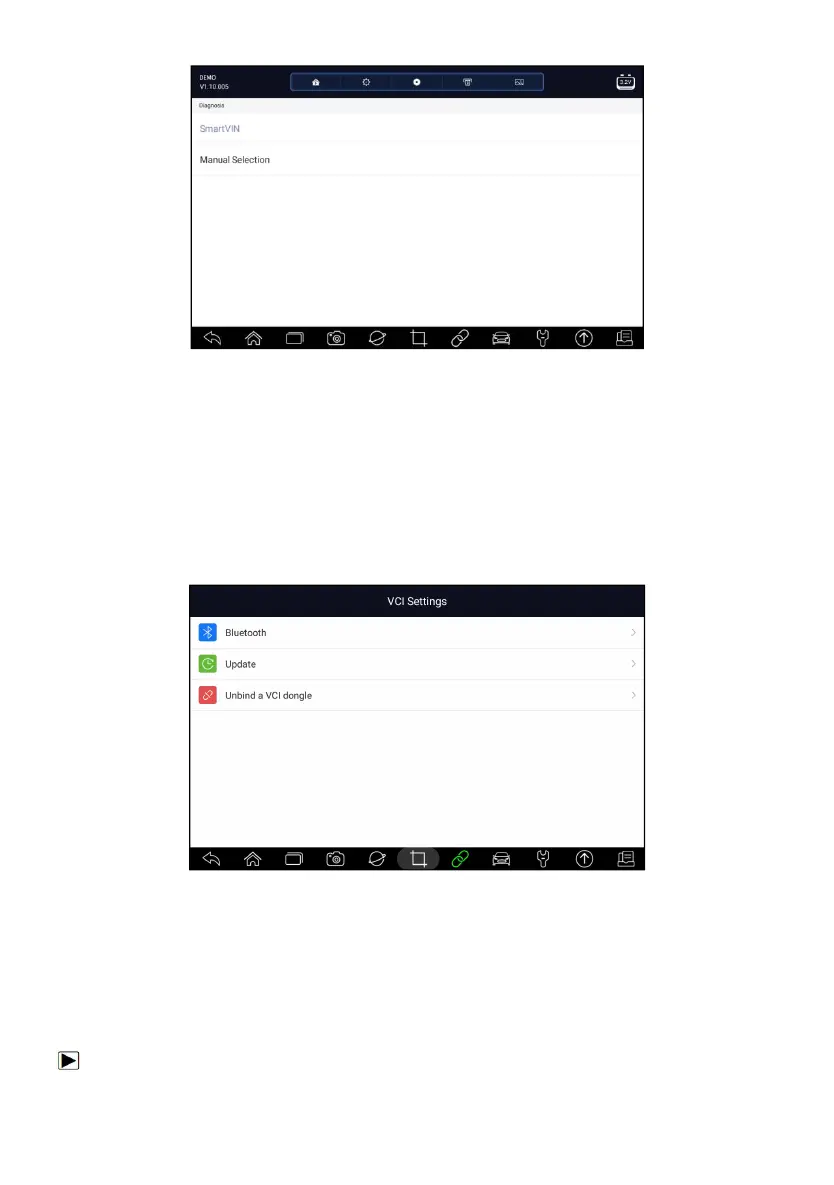
VCI Manager allows you to make Bluetooth pairing between the tablet and
the VCI dongle, update VCI firmware and unbind a VCI dongle.
Figure 8-1 Sample VCI Manager Screen
8.1 Bluetooth
During the Bluetooth pairing process, make sure the VCI dongle is correctly
powered by either connected to a vehicle or connect to the tablet with the
USB Type-B cable.
To make Bluetooth pairing of the VCI dongle and the tablet














 To Next Page