52
Premier Diagnostic Platform i70Pro User's Manual V1.01
Figure 5-34 Sample Programming Screen
5.3.3 Hot Functions
It is designed for most common used functions like battery configuration, oil
light reset and provides quick access to service functions for the technicians.
To start a test:
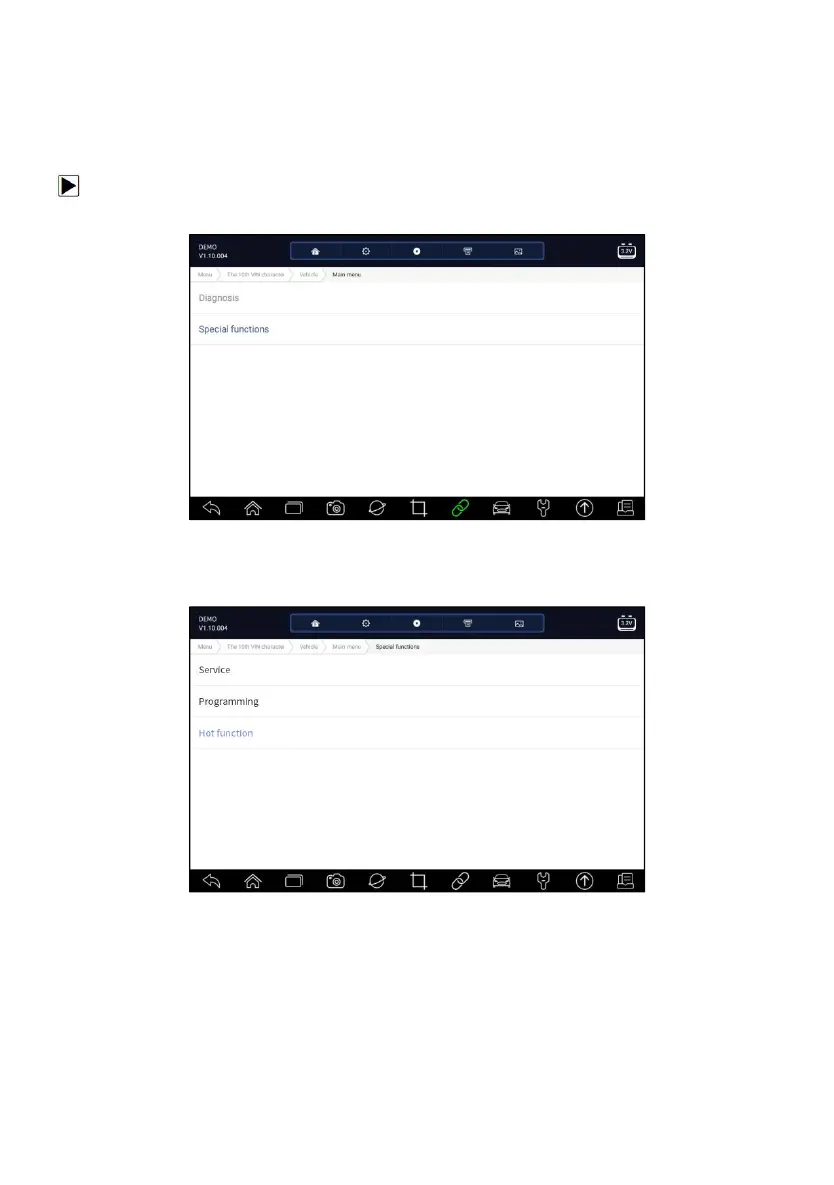
1. Select Special Functions from main menu and press ENTER to confirm.
Figure 5-35 Sample Main Menu Screen
2. Select Hot Functions option from the Special Functions menu. A list of
available services display.
Figure 5-36 Sample Special Functions Screen
3. Select the function you want to test. Follow on-screen instructions to make
proper selections and operations to complete the tests














 To Next Page