33
Premier Diagnostic Platform i70Pro User's Manual V1.01
4.3 Vehicle History
Vehicle History keeps records of tested vehicles and allows restarting the
diagnosis of a vehicle without the need to do vehicle identification again.
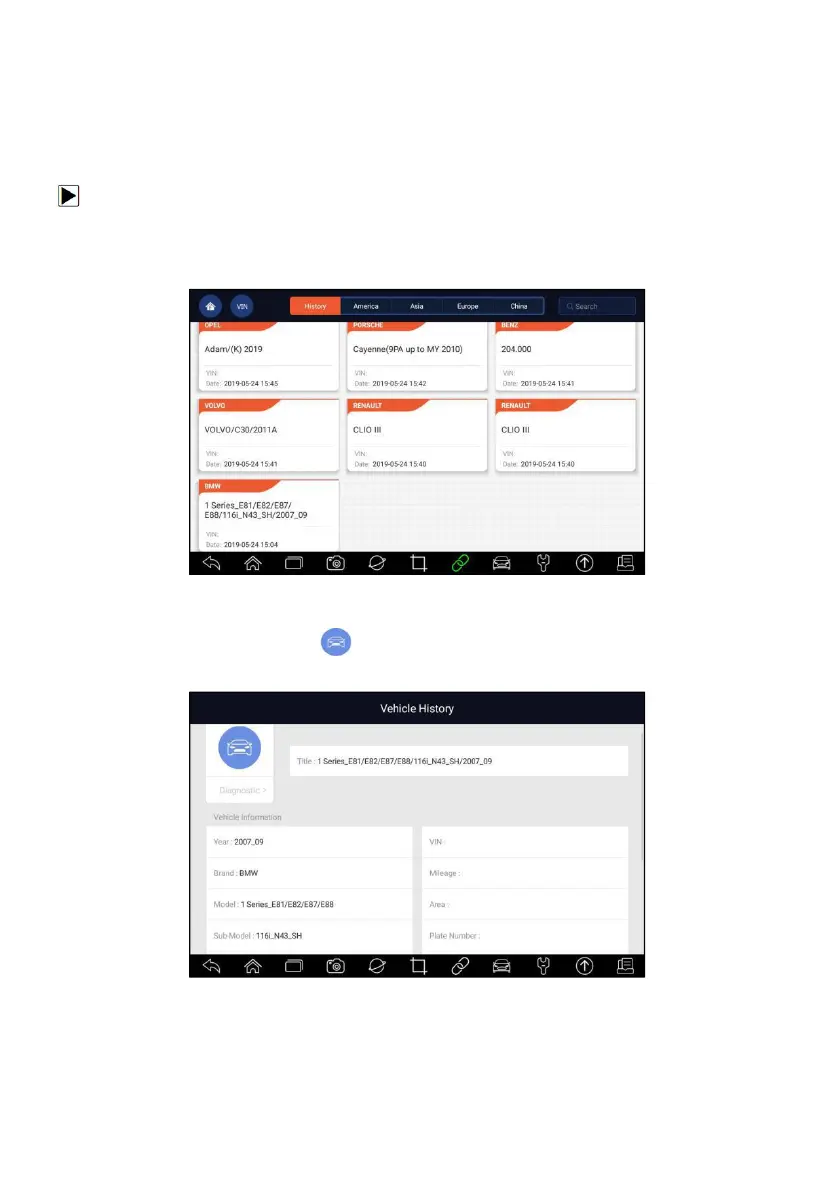
To identify a vehicle by Vehicle History:
1. Select Diagnostic from home screen of the i70Pro application.
2. Select History button at the top of the diagnostic page and the diagnostic
records will display.
Figure 4-19 Sample History Record Screen
3. Choose the vehicle model you want to test from the list.
4. Click the Diagnostic button at the tested vehicle information page
and then answer Yes to go to system selection page.
Figure 4-20 Sample History Record Screen














 To Next Page