59
Premier Diagnostic Platform i70Pro User's Manual V1.01
7.1.1 How to Save an Image
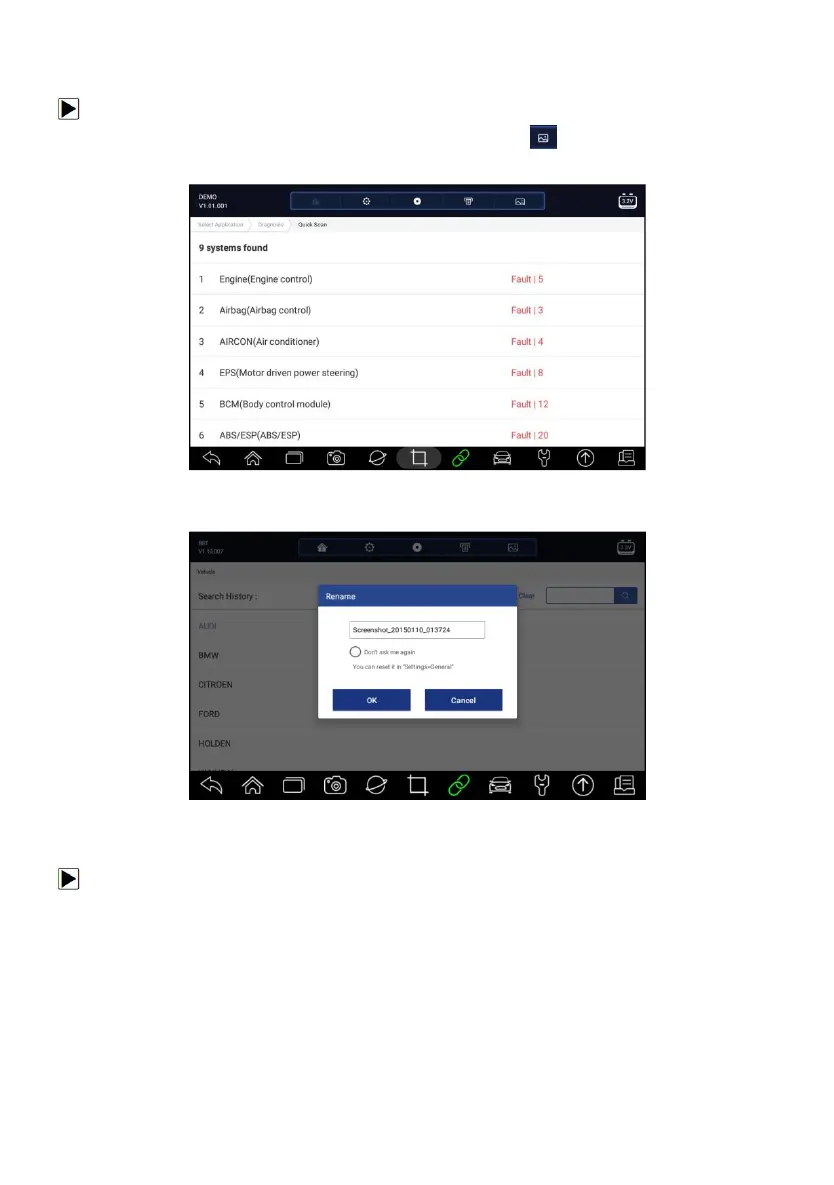
To take a screenshot:
1. If want to save data of current screen, press at the title bar to take a
screenshot.
Figure 7-2 Sample Screenshot Screen
2. Add a description of the image, and press the OK to save.
Figure 7-3 Sample Screenshot Screen
7.1.2 Review Image
To review the screenshots:
1. Press Data Manager from home screen of i70Pro diagnostic application.
2. Press Image and all available pictures will be displayed.














 To Next Page