73
Premier Diagnostic Platform i70Pro User's Manual V1.01
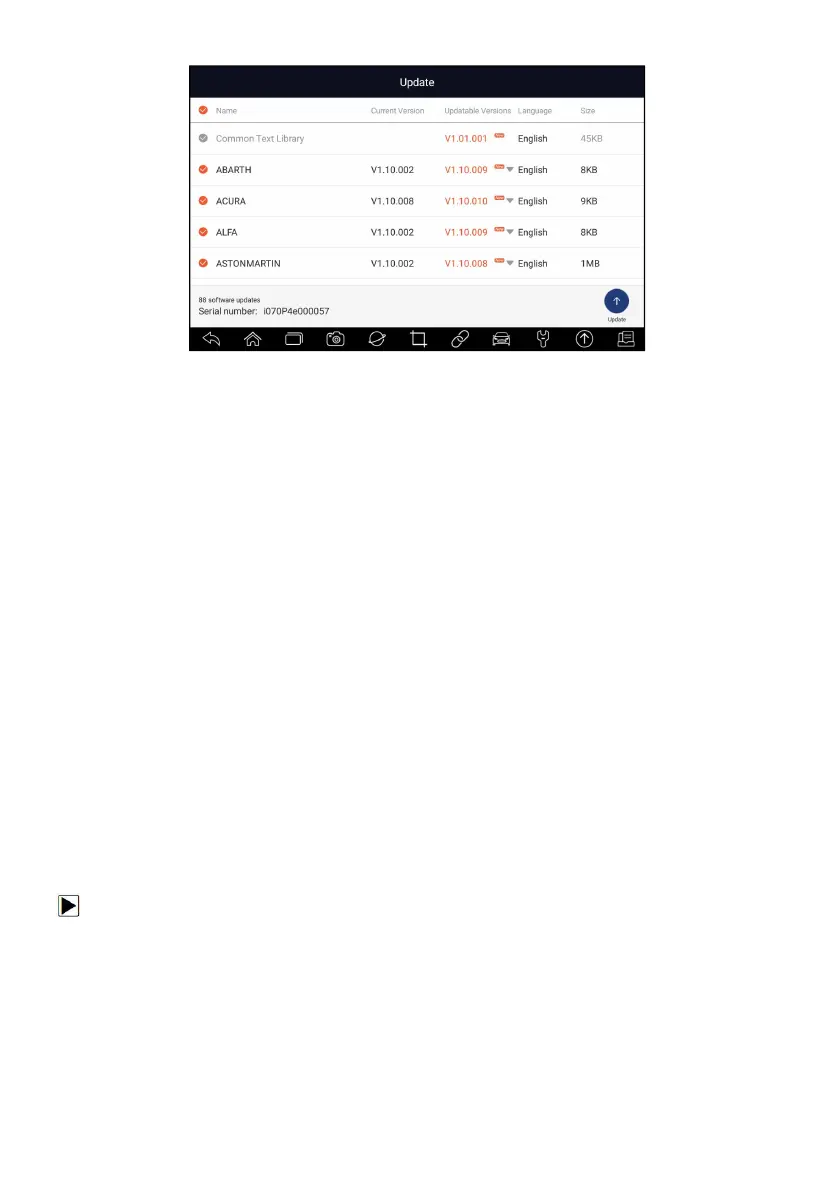
Figure 9-11 Sample Update Screen
10 Settings
This section illustrates how to program the scanner to meet your specific
needs.
When Settings application is selected, a menu with available service options
displays. Menu options typically include:
● Unit
● Language
● Push Message
●
Automatic Update
●
System Settings
●
General
● Uninstall Vehicle Software
● Print Settings
● About
10.1 Change Units
Selecting Unit opens a dialog box that allows you to choose between
Imperial customary or metric units of measure.
To change the unit setup:
1. Press Settings from home screen of the i70Pro diagnostic application.
2. Press Unit and available unit system display.
3. Select a unit system.
10.2 Language
Select Language opens a screen that allows you to choose system
language.














 To Next Page