72
Premier Diagnostic Platform i70Pro User's Manual V1.01
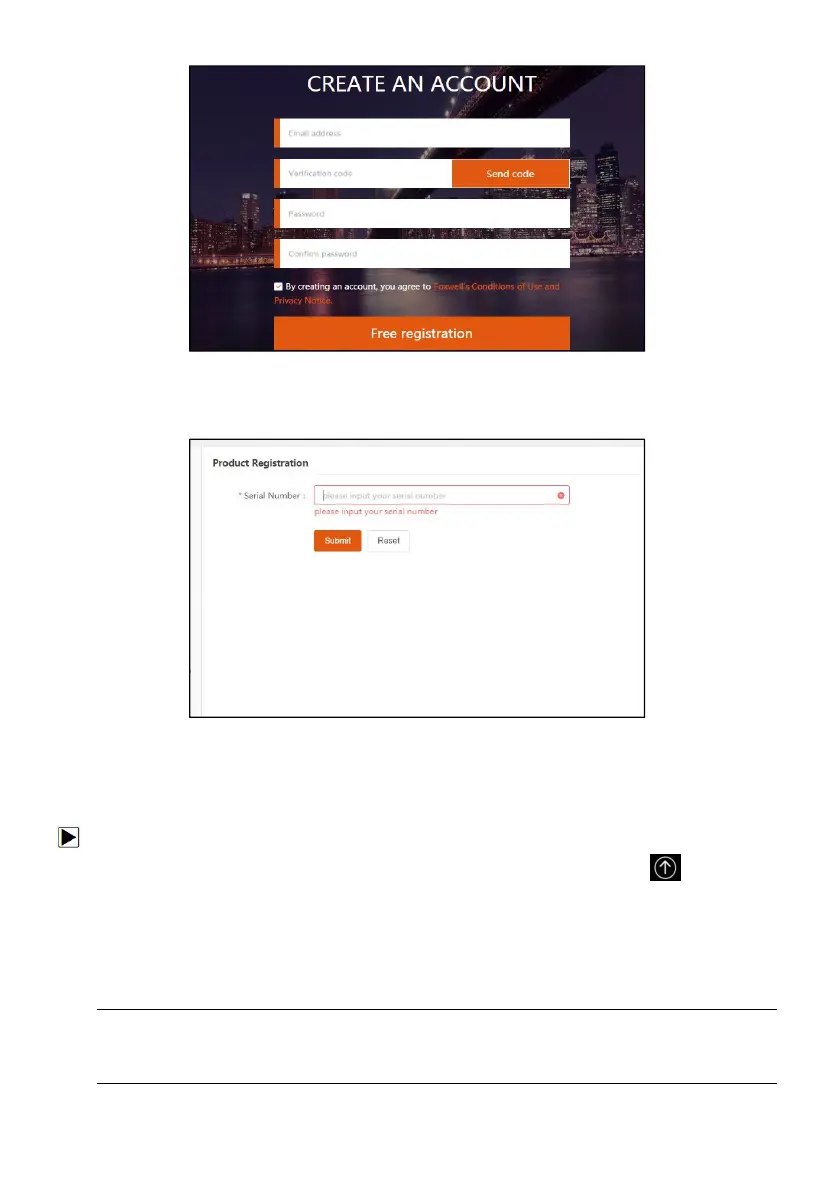
Figure 9-9 Sample Create Account Screen
3. Sign in to the Member Center, click New Registration, input the right
serial number and click Submit to activate the product.
Figure 9-10 Sample Product Register Screen
9.2 Update
To update the diagnostic application:
1. Press Update from home screen or press update shortcut at the tool
bar, and the update client starts up automatically.
2. The available updates display. Click the check box(s) in front of the
software you wish to update and then click the Update button to
download.
3. When all the items are updated, an “Update Done” message displays.
NOTE
Please make sure your network works correctly and the tablet is fully charged
or connect to external power supply.














 To Next Page