42
Premier Diagnostic Platform i70Pro User's Manual V1.01
2. Follow the on-screen instructions and answer questions about the vehicle
being tested to complete the procedure.
3. Check the codes again. If any codes remain, repeat the Clear Codes
steps.
5.2.3 Live Data
Live Data menu lets you view real time PID data in text and plot formats,
learn good sensor data and compare them with faulty data, and record live
data from a selected vehicle electronic control module.
Menu options typically include:
●
All Data
●
Custom List
5.2.3.1 All Data
All Data menu lets you view all live PID data from a selected control module.
To view all live PID data:
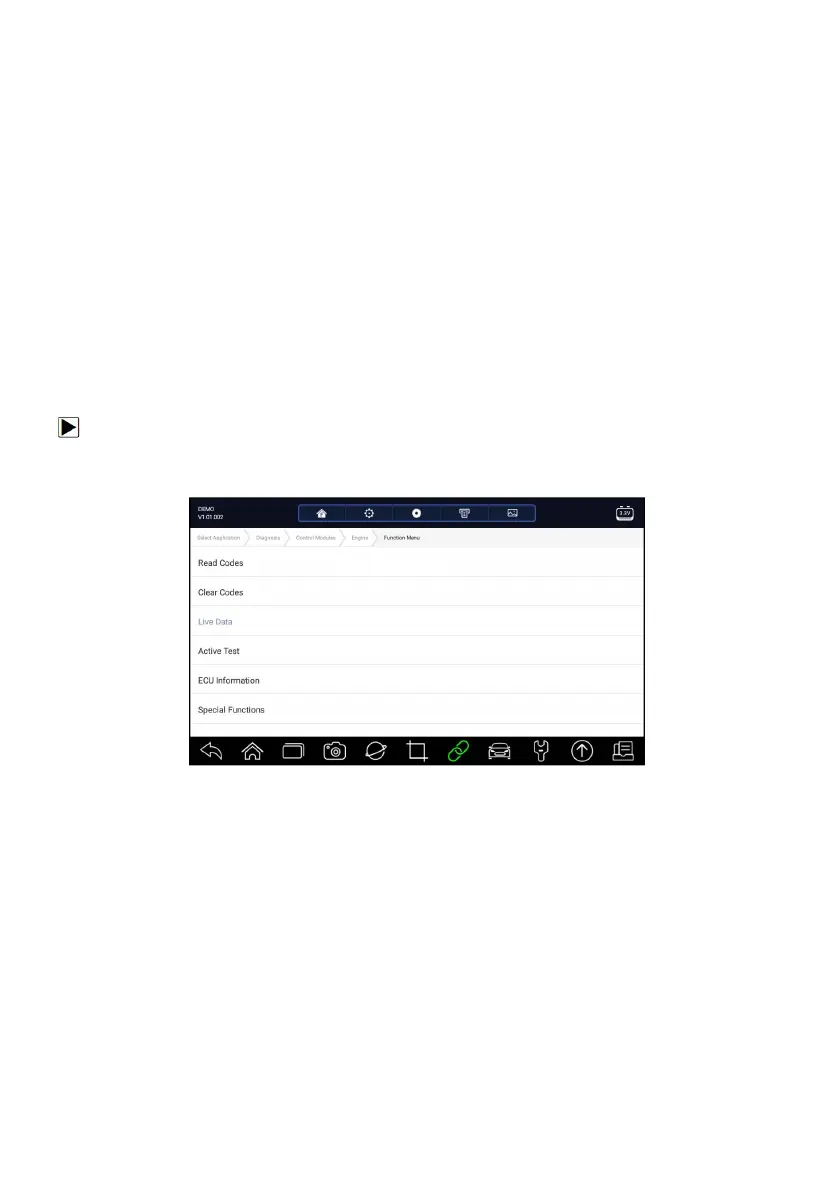
1. Press Live Data from Select Diagnostic Function menu to display the live
data menu.
Figure 5-16 Sample Function Menu Screen
2. Press All Data from the menu to display the data stream screen. All
readings will be displayed in text format by default.














 To Next Page