35
Premier Diagnostic Platform i70Pro User's Manual V1.01
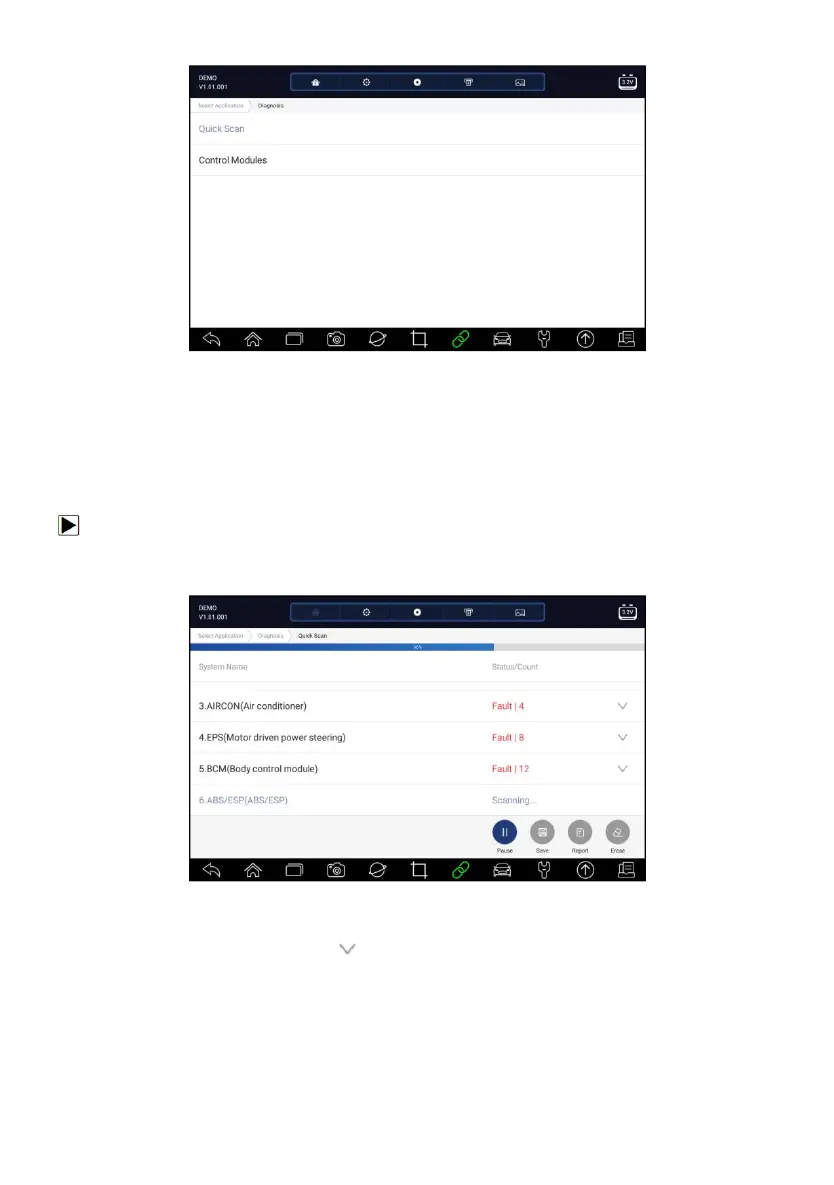
Figure 5-2 Sample Diagnosis Screen
5.1.1 Quick Scan
Quick Scan performs an automatic system test to determine which control
modules are installed on the vehicle and provides diagnostic trouble codes
(DTCs) overview. Depending on the number of control modules, it may take a
few minutes to complete the test.
To perform an automatic system scan:
1. Press Quick Scan option to start.
2. To pause the scan, press the Pause button on the screen.
Figure 5-3 Sample Quick Scan Screen
3. At the end of successful automatic controller scan, a menu with a list of
DTC displays and click button to the right to view DTC descriptions.














 To Next Page