66
Premier Diagnostic Platform i70Pro User's Manual V1.01
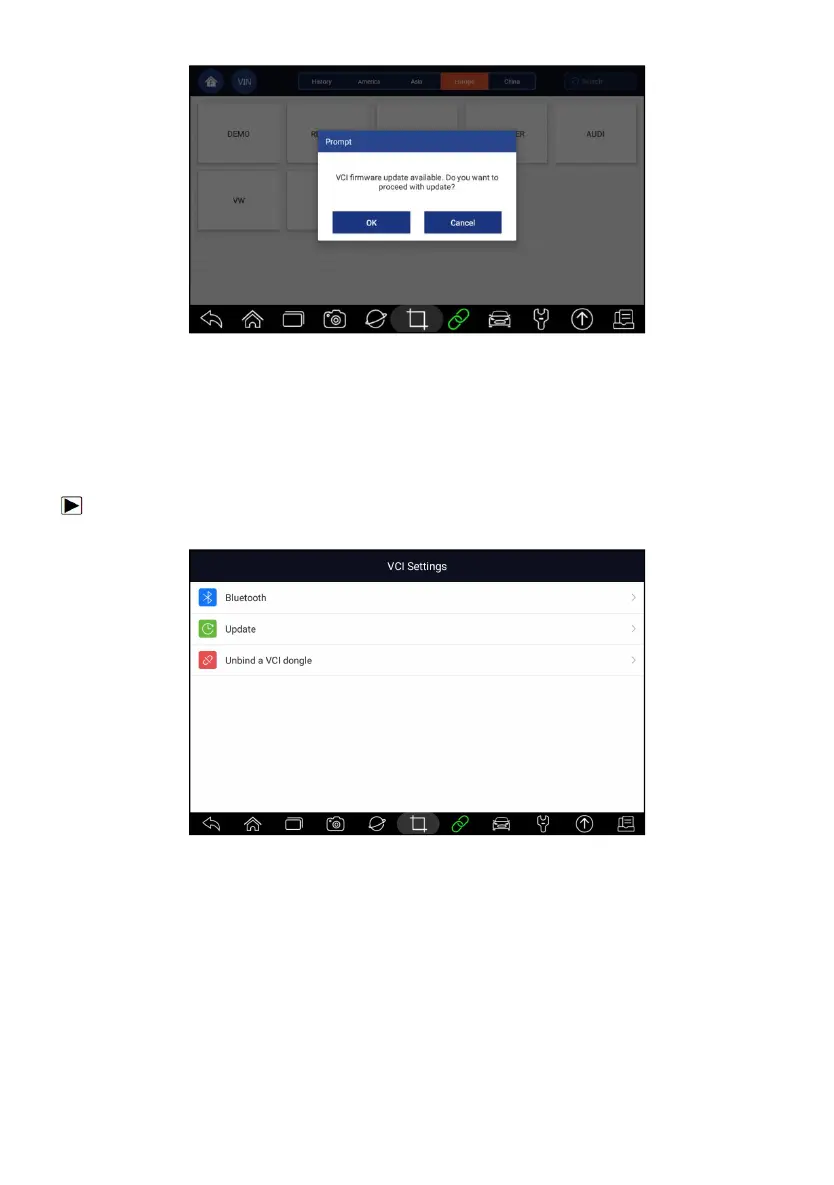
Figure 8-3 Sample Update Prompt Screen
8.3 Unbind a VCI dongle
This option allows you to unbind a VCI dongle when the VCI dongle is
defective or stolen.
To unbind a VCI dongle:
1. Click the VCI Manager application on the i70Pro Menu.
Figure 8-4 Sample VCI Manager Screen
2. Select Unbind a VCI dongle option from the option list and press OK to
confirm.














 To Next Page