30
Premier Diagnostic Platform i70Pro User's Manual V1.01
1. Select Diagnostic from home screen of the i70Pro application.
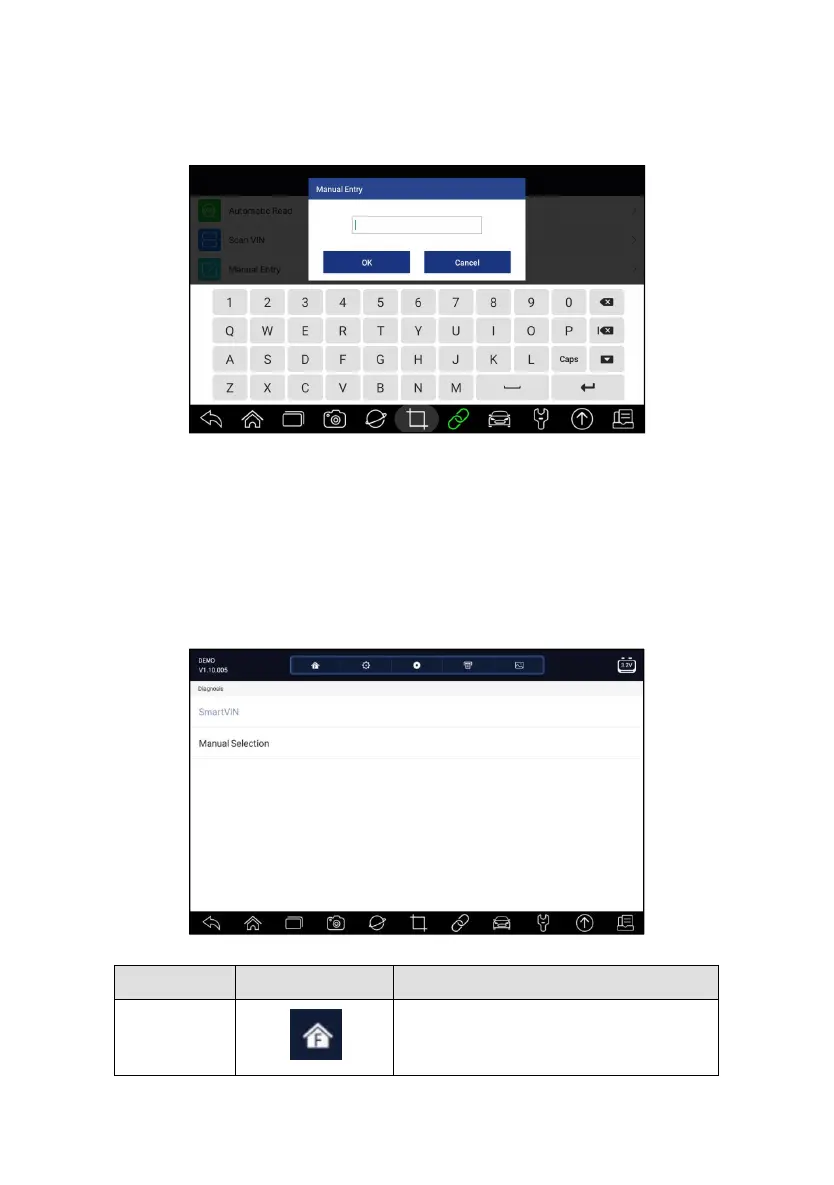
2. Click VIN and choose Manual Entry from the option list.
3. Press Keyboard button to input a valid VIN code and press OK to
continue.
Figure 4-14 Sample Manual Entry Screen
4.2 Manual Selection
Select vehicle brand you are to test, and two ways of getting to the diagnostic
operations are available.
●
Smart VIN
●
Manual Selection
Figure 4-15 Sample Vehicle Entry Screen
Back to the Application Menu.














 To Next Page