27
Premier Diagnostic Platform i70Pro User's Manual V1.01
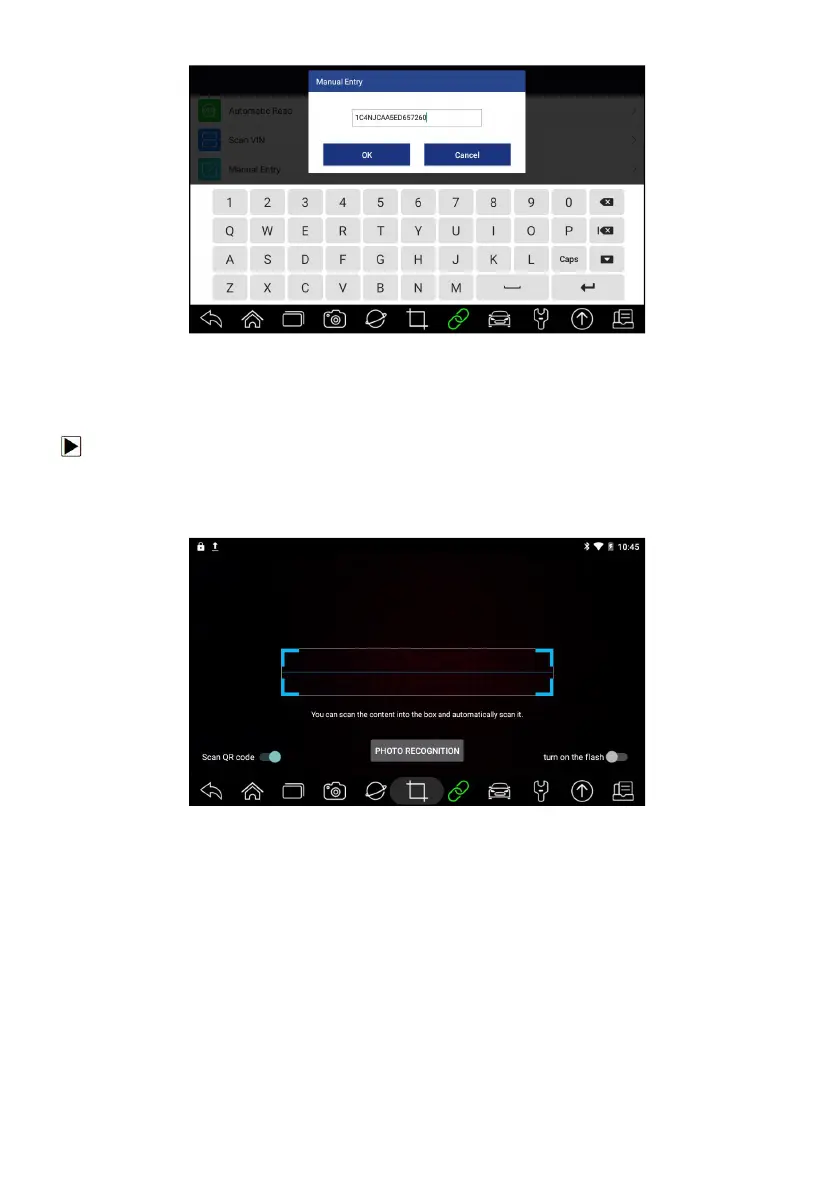
Figure 4-7 Sample Modify VIN Screen
4. If failed, please click Close to quit and input the VIN manually.
4.1.2.2 Scan Barcode/QR Code of VIN
To identify a vehicle by Scan QR Code:
1. Select Diagnostic from home screen of the i70Pro application.
2. Click VIN button, choose Scan VIN from the option list and enable Scan
QR Code at the lower left part of the screen.
Figure 4-8 Sample Scan QR Code Screen
3. Find the VIN QR code or bar code of your car, and put the code into the
scanning box. The VIN number displays with a successful scan. If the
Vehicle Specification or VIN code is correct, press the Confirm to continue.
If incorrect, you are allowed to modify VIN number manually. The scan box
can be zoomed in or zoomed out.














 To Next Page