63
Premier Diagnostic Platform i70Pro User's Manual V1.01
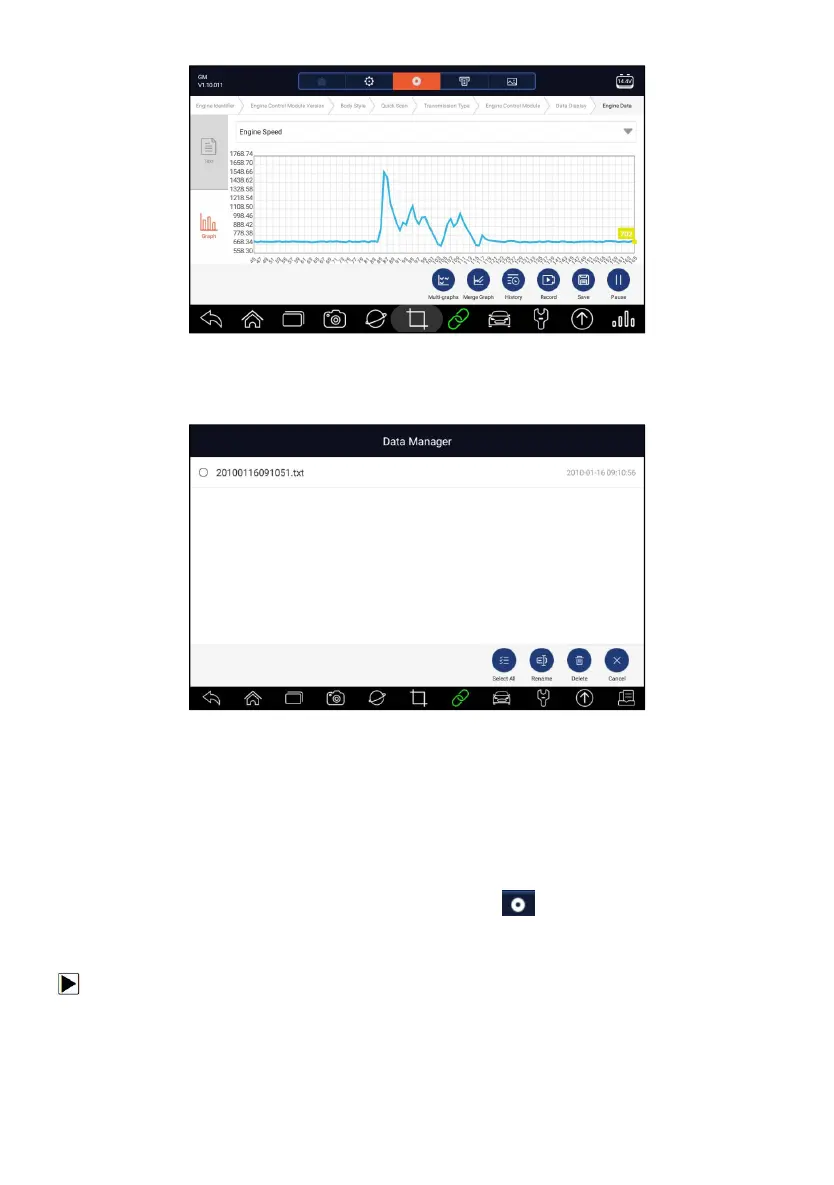
Figure 7-11 Sample Graph Screen
5. To move forward or reverse back of the playing, just drag the progress bar
forward or reverse. To stop, press the Pause button.
Figure 7-12 Sample Edit Data Playback Screen
6. Long press the record to Rename or Delete the records.
7.4 Data Logging & Data Record
Data Logging collects the communication data between the scanner and the
vehicle under test to help with troubleshooting of diagnostic failures. The logs
will be saved to the tablet. The logging icon displays on the title bar of
the diagnostic screen whenever the scanner builds communication with the
vehicle.
To create a debug data log:
1. When connected to a car, click the Data Logging icon to start record the
communication data between the tablet and the vehicle.














 To Next Page