60
Premier Diagnostic Platform i70Pro User's Manual V1.01
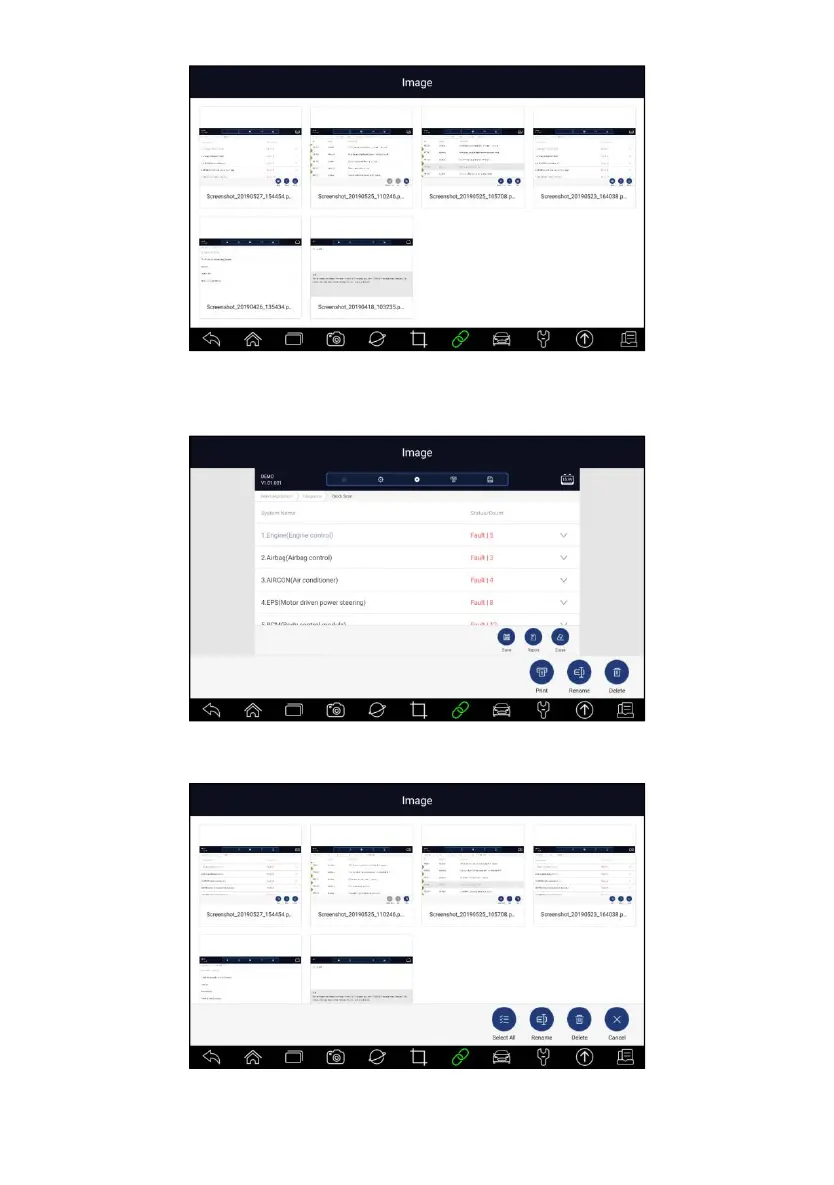
Figure 7-4 Sample Browse Picture Screen
3. To delete a picture, tap button Delete and answer OK to delete. Press
Print to print the pictures and press Rename to change the picture name.
Figure 7-5 Sample Edit Picture Screen
4. Long press the screen to edit all pictures like Rename or Delete.
Figure 7-6 Sample All Pictures Edit Screen














 To Next Page